Exit lights get tested on one date, the fire alarm panel gets tested on another, and when a fire marshal asks for both records at once you're digging through two different binders. Build one workflow that ties monthly exit and emergency lighting inspection to your annual fire alarm test, and every date lives in one file instead of two.
- Run monthly exit and emergency lighting inspection and annual fire alarm testing off one shared calendar, not two.
- NFPA 101 requires a 30-second monthly functional test and a 90-minute annual test for every emergency light.
- NFPA 72 sets a 12-month interval for full fire alarm system testing in most occupancies.
- First-Line Fire logs both records under one sign-off sheet so an audit takes one file, not two.
Why this matters
A fire marshal doesn't care that your exit lights and your alarm panel are serviced by different people on different schedules. They care that both records exist, both are current, and both cite the right code section. Keep the two on separate calendars and you'll eventually miss one — usually the exit lights, because nobody gets fined for a burned-out exit sign until an inspector is standing under it.
Combining the schedules also cuts site visits. If a technician is already on-site running the annual fire alarm test, running the 90-minute emergency lighting test on the same trip saves a second dispatch in 2026 and every year after. That's the whole point of this workflow: one visit, one log, two code requirements satisfied.
Before you start
- Pull your current fire alarm test date and your last emergency lighting test date. If they're more than 60 days apart, you're running two trips a year that could be one.
- List every exit and emergency light unit by location — hallway, stairwell, exit door, generator room — with unit ID if your units are tagged. You can't log a test you can't identify later.
- The gotcha: don't log a combined site visit as one line item. NFPA 101 and NFPA 72 are separate code sections, and an inspector reviewing a merged record with no citation for either standard will flag it as incomplete even if the actual testing was done correctly. Log them as two entries under one visit date, not one entry.
Set up your emergency lighting test log
- Create a log with columns for Unit ID, Location, Test Date, Test Type (monthly or annual), Duration, and Pass/Fail.
- Walk the facility and record every unit — don't rely on memory or last year's list. Tenant build-outs move exit paths and add units without anyone updating the record.
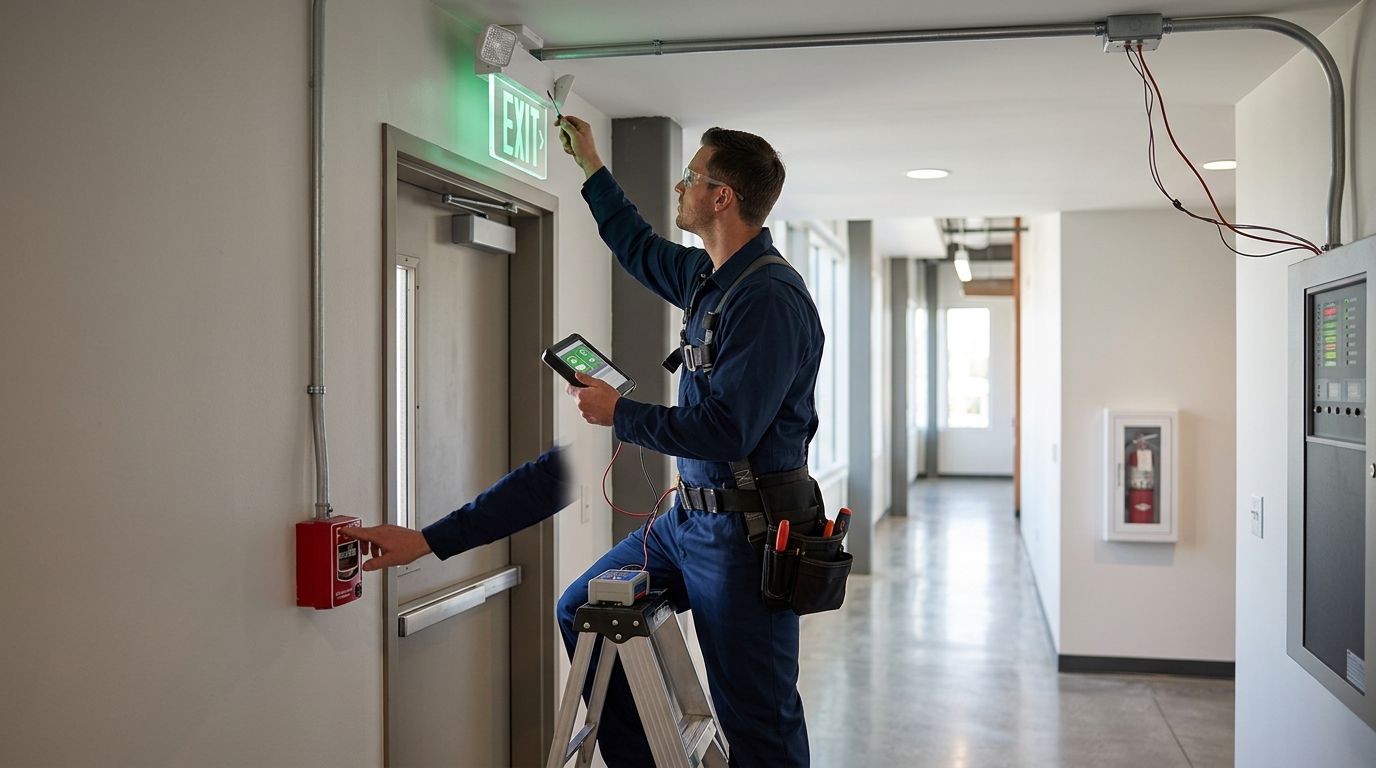
- Run the monthly functional test: press the test button on each unit and confirm the lamp stays lit for the full 30 seconds. Mark Pass or Fail in the log.
- On the annual cycle, run the full 90-minute duration test on battery-powered units. Any unit that dims or drops out before 90 minutes fails and needs a new battery.
Expected result: every exit and emergency light in the building has a dated entry showing which test ran and whether it passed — the exact record a fire marshal asks to see first.
Configure your fire alarm test schedule
- Confirm your annual fire alarm test date against NFPA 72's 12-month interval. If your last full test was more than a year ago, it's overdue now, not next quarter.
- Note any components on a shorter cycle — duct detectors and waterflow switches on suppression tie-ins often run on their own schedule inside the same system.
- Set the annual test date to land within the same week as your emergency lighting annual test. This is the single change that collapses two site visits into one.
Expected result: one calendar date triggers both the fire alarm annual test and the emergency lighting annual test, instead of two dates you have to track separately.
Merge the two records into one facility calendar
- Pick one master test date per year for the annual pair (alarm + lighting), and keep monthly exit light checks on their own recurring line.
- Attach both the alarm test report and the lighting test log to the same visit record so anyone pulling the file gets both documents at once.
- Route the combined record to whoever signs off with the fire marshal — property manager, safety officer, or facilities lead. One packet, two code citations, no follow-up request for a missing document.
Expected result: a single facility file that answers an AHJ's exit lighting question and their alarm testing question without a second phone call.
Do this whenever exit paths change
A new tenant build-out, a reconfigured stockroom, or a relocated break room can all add or move an exit path — and every new exit path needs its own emergency light. Whenever a floor plan changes, walk it before the next monthly check, add any new units to the log with a Unit ID, and confirm the fire alarm system's notification appliances still cover the new layout. Skipping this step is how buildings end up with an exit sign nobody logged for two years.
Troubleshooting
- Exit light tested but no duration logged. A Pass/Fail entry with no duration doesn't prove a 90-minute test happened. Add a Duration column and require it filled before the entry counts as complete.
- Alarm test date and lighting test date keep drifting apart. This happens when two different vendors or two different people own the schedules. Assign one person to trigger both dates off the same annual reminder.
- Battery-powered units fail the 90-minute test right after passing the 30-second monthly check. Batteries degrade under load over time even when the short test looks fine — replace any unit that fails full duration rather than retesting it.
- Marshal rejects a combined report for missing code citation. Add "NFPA 101" next to lighting entries and "NFPA 72" next to alarm entries in the log header — a one-line fix that stops the rejection.
- New tenant space has no exit lights logged at all. Cross-check your emergency lighting log against the current floor plan every time square footage changes hands, not just once a year.
Get both tests on one visit
First-Line Fire runs alarm testing and exit lighting checks on the same trip.
Customize your workflow
Once the two schedules run off one date, extend the same logic to the rest of your fire protection file. If your building runs fire alarm monitoring through a third party, see how to connect fire alarm monitoring to your security system for the same one-calendar approach applied to monitoring dispatch. If you're building out a new office space, the best exit and emergency lighting systems for offices covers unit selection before you even get to test scheduling. And once both records are current, close the loop with extinguisher inspection to marshal sign-off so extinguisher tags, alarm tests, and lighting logs all land in the same audit-ready packet.
FAQ
How often does exit and emergency lighting inspection need to happen?
NFPA 101 requires a 30-second functional test monthly and a 90-minute full duration test annually for every emergency light. Both need a dated log entry to satisfy most fire marshal reviews.
Can exit lighting tests and fire alarm tests happen on the same visit?
Yes, and combining them into one annual visit is standard practice for facilities that want to cut site visits. Log them as two separate entries citing NFPA 101 and NFPA 72 rather than one merged line item.
What's the fire alarm testing interval under NFPA 72?
NFPA 72 sets a 12-month interval for full system testing in most commercial occupancies, with some components like duct detectors on shorter cycles. Check your specific system's component list against the code section that applies.
Why did my exit light pass the monthly test but fail the annual test?
A 30-second monthly test doesn't catch a battery that's degraded under sustained load. The 90-minute annual test is designed to catch exactly this failure, and any unit that drops out before 90 minutes needs a new battery.
Who signs off on a combined fire alarm and exit lighting record?
Whoever holds fire marshal correspondence for the building — usually a property manager or safety officer — should receive both the alarm test report and the lighting log attached to the same visit date.
Do new tenant build-outs require new emergency lighting?
Any change to an exit path requires a review of emergency lighting coverage for that path. Walk the new layout before the next monthly check and add any new units to the log immediately.
Is a fire alarm test the same as an emergency lighting test?
No. They're governed by separate code sections — NFPA 72 for the alarm system and NFPA 101 for emergency lighting — and each needs its own dated, cited log entry even when performed on the same site visit.
One last thing
The most common gap isn't a missing test — it's a missing duration on an otherwise-passed entry. A log that says "exit light: pass" with no minutes attached is the first thing an inspector questions in 2026, because it doesn't prove the 90-minute standard was met. Fix the log format before you fix the schedule; the schedule is easy once the paperwork actually holds up.