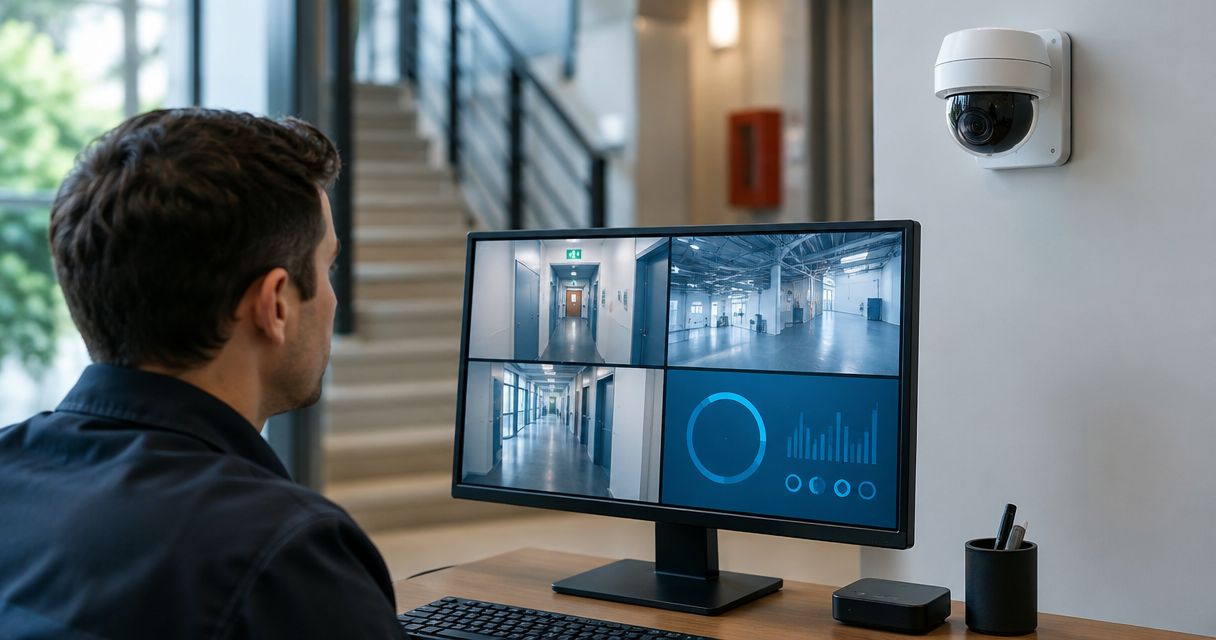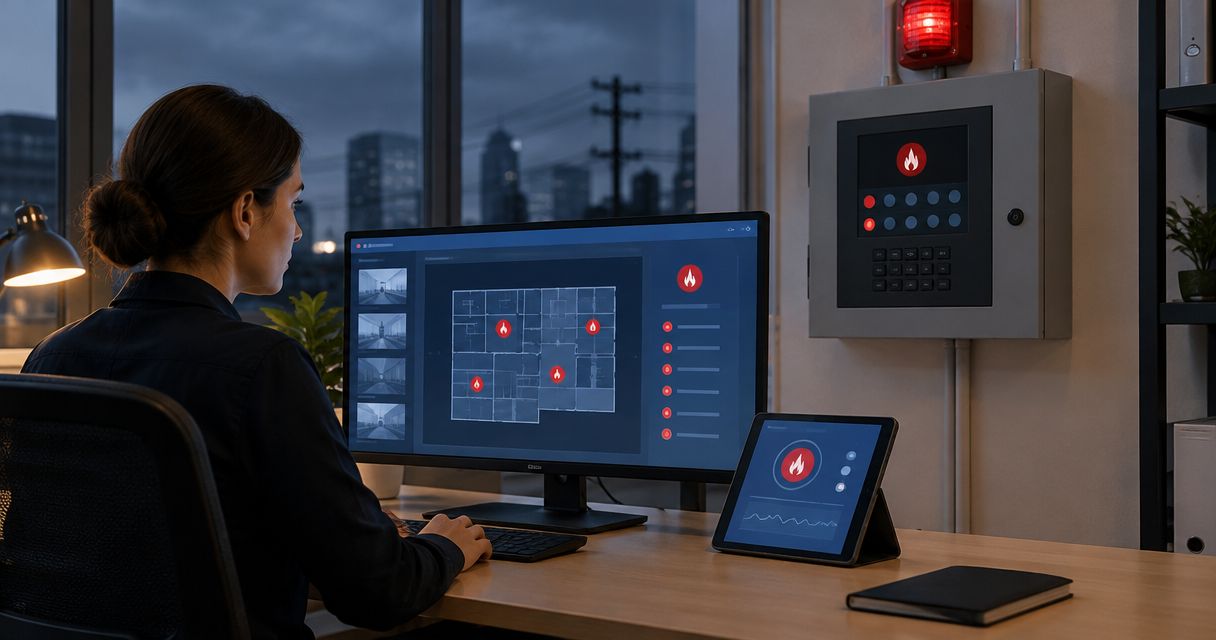
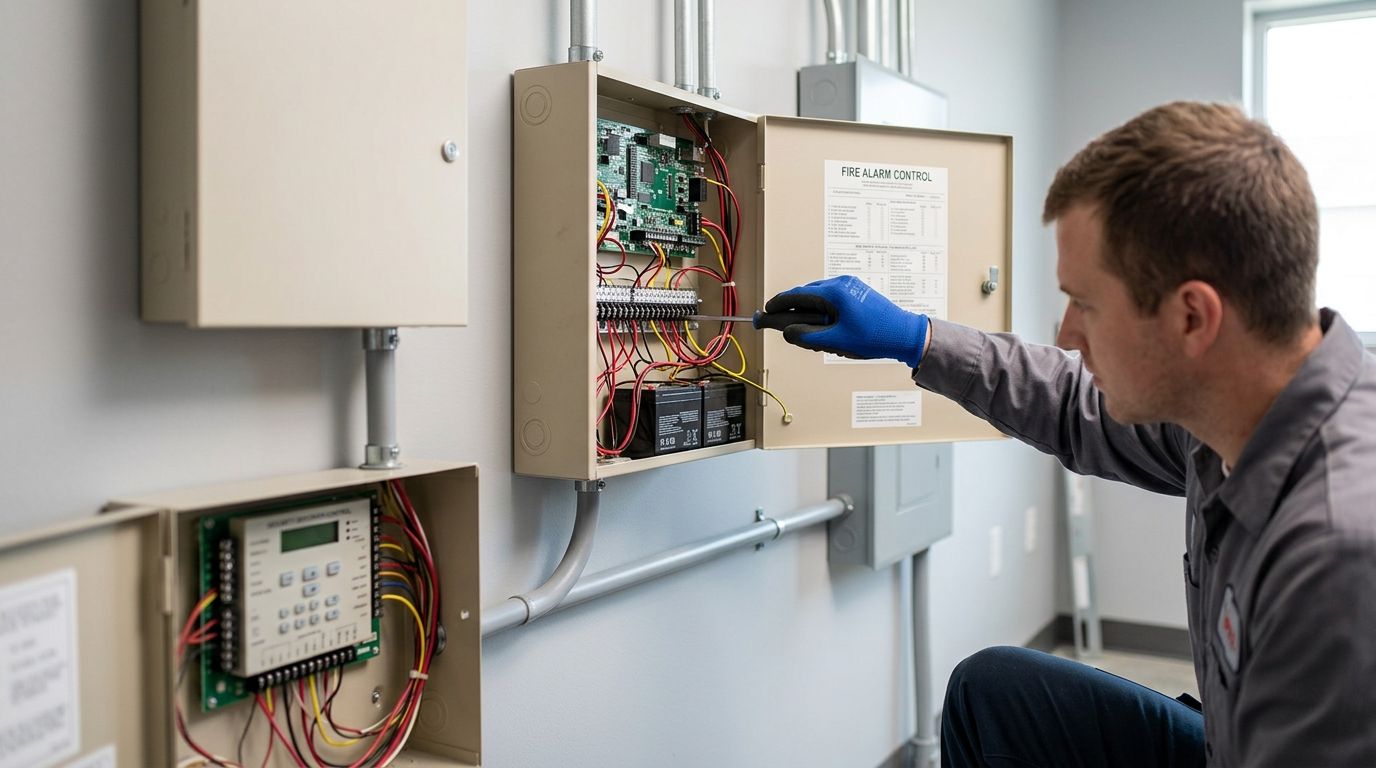
A fire alarm panel that just clangs a bell and a security system that just calls a guard shack are two separate jobs. Wire them together and one event — smoke in the server room, heat in the paint booth — triggers monitoring, notification, and video pull in the same second. Instead of manually calling your alarm company after a false trip and separately checking cameras, connect the two systems so one signal does both jobs automatically.
This guide covers the standard way to link a commercial fire alarm panel to a security or access-control system in 2026, plus the mobile-notification variant most property managers ask for next.
- Connecting fire alarm monitoring to a security system takes a relay output, a compatible input on the security panel, and one supervised test cycle.
- UL 864-listed fire alarm panels require a dedicated, supervised relay path — never a shared zone with burglar alarm circuits.
- A properly wired integration lets one fire event trigger central-station dispatch, camera pull-up, and mobile alerts within seconds.
- Budget a full test cycle with your fire alarm monitoring service provider before signing off — partial tests miss relay failures.
Why this matters
A fire alarm that only sounds locally does nothing if the building is empty overnight — a warehouse, a coal prep plant, an unattended fleet yard. Monitoring turns a local alarm into a dispatched response, and tying that monitoring into your existing security platform means you're not paying for two separate notification chains that never talk to each other.
Insurance carriers and local fire marshals in Kentucky, Indiana, Tennessee, and the rest of the region increasingly ask for proof of supervised, monitored fire alarm systems on commercial occupancies. A connected setup gives you that documentation without a second vendor relationship.
Before you start
- Confirm your fire alarm panel is UL-listed for central station monitoring. Older, unlisted panels can't be legally tied into a monitored circuit no matter how the security panel is wired.
- Have your security system model and firmware version ready. Integration modules vary — a panel from 2019 may need a firmware update before it accepts a supervised dry-contact input.
- The gotcha: fire alarm and burglar alarm circuits must stay electrically isolated even when they report to the same monitoring account. Sharing a zone or a power supply between them violates NFPA 72 and will fail inspection — plan for a separate, supervised relay from day one, not as a fix later.
Set up the fire alarm relay output
- Locate the Auxiliary Relay or Form C Relay terminal on your fire alarm control panel — check the panel's programming manual for the exact terminal block, since labeling varies by manufacturer.
- Program the relay to activate on a general alarm condition, not on trouble or supervisory signals alone. Most panels separate these under a Relay Programming or Output Assignment menu.
- Set the relay for normally closed, supervised operation so a cut wire reports a trouble signal instead of failing silently.
- Confirm the relay draws from the panel's own power supply, never the security system's, to keep the circuits isolated.
Expected result: the relay contact changes state the instant the fire panel goes into alarm, independent of anything on the security side.
Configure the security panel integration
- Open the security panel's Zone Programming screen and assign an unused hardwired zone to Fire — 24 Hour Non-Bypass. This zone type prevents anyone from disarming it accidentally.
- Land the fire relay's two wires on that zone's input terminals, matching polarity per the panel's wiring diagram.
- In the panel's Reporting or Communication settings, assign that zone a distinct fire alarm reporting code, separate from burglary or duress codes, so the central station dispatches the fire department, not just a patrol car.
- Save and reboot the panel, then check the zone status screen for a Normal reading with the relay untripped.
Expected result: the security panel now recognizes the fire relay as a dedicated, non-bypassable fire zone reporting its own code to your fire alarm monitoring service.
Push alerts to a mobile app instead of (or alongside) a central station
Some sites want a text or app push to a facilities manager the moment the fire zone trips, in addition to central-station dispatch — useful for a property manager overseeing several buildings or a fleet yard with off-hours staff.
- In the security panel's app-integration settings, enable Push Notifications for the fire zone specifically, not the whole system.
- Assign at least two recipients so a single missed notification doesn't leave the alert unread.
- Test the push by tripping the fire relay manually (see testing below) and confirming the notification lands within 60 seconds.
Expected result: the same trigger that dispatches the central station also pushes a real-time alert to the people who need to physically respond.
Test the connection end to end
- Notify your fire alarm monitoring service provider and the central station that you're running a test signal before doing anything — an untested trip can trigger a real dispatch.
- Trip the fire panel using a manual pull station or test smoke, and time how long it takes for the security panel zone to register Alarm.
- Confirm the central station receives the correct fire reporting code, not a generic burglary code.
- Reset both panels and verify the zone returns to Normal with no residual trouble signal.
Run this full cycle again after any firmware update to either panel — a single successful test at install doesn't guarantee the link survives a software patch six months later.
Troubleshooting
- Security panel shows the fire zone as "trouble" instead of normal: Check relay polarity first — a reversed connection reads as an open circuit on a supervised zone.
- Central station receives a burglary code instead of a fire code: The zone type was assigned wrong during programming. Reopen Zone Programming and confirm it reads Fire — 24 Hour, not a generic hardwired zone.
- Mobile push never arrives: Confirm the fire zone is included in the app's notification rule set — many panels default to excluding fire zones from push alerts to avoid duplicate central-station and app notifications, which needs to be manually overridden.
- Relay trips but nothing registers downstream: Test relay power draw. If the relay is pulling from the security panel's auxiliary power instead of the fire panel's, it violates circuit isolation and needs rewiring.
- False alarms spike after integration: This usually traces back to electrical noise from a shared conduit run. Route the fire relay wiring in its own conduit, separate from security wiring.
Get your fire alarm monitoring checked
First-Line Fire Extinguisher Co. services fire alarm and monitoring integrations across KY, IL, IN, TN, MO and AL.
Customize your workflow
Once the basic relay-to-zone link is running, most sites expand it. Pull the fire alarm's trip signal into your video system so cameras auto-focus on the triggered zone, or route the same signal into an access-control unlock sequence so exit doors release automatically during an alarm condition.
If your building already runs security cameras, compare how different security camera systems for commercial properties handle fire-triggered auto-pull before picking hardware. If you manage a fleet yard rather than a single building, check security systems for commercial fleet yards for how monitoring zones differ across a multi-vehicle site.
Monitoring type matters here too — a central-station monitored panel behaves differently from a self-monitored or hybrid setup once you're routing signals into a security platform. The breakdown on fire alarm systems ranked by monitoring type walks through which type fits an integration like this versus a standalone alarm. Industrial sites with multiple buildings on one monitoring account should also look at fire alarm monitoring services for industrial facilities, since multi-building reporting codes work differently than a single-zone setup.
FAQ
What is a fire alarm monitoring service?
A fire alarm monitoring service is a central station that receives signals from your fire alarm panel around the clock and dispatches the fire department when a genuine alarm trips. In 2026 most commercial policies require this monitoring as a condition of coverage.
Can I connect my fire alarm to my security system myself?
Basic relay wiring can be done by a licensed technician, but NFPA 72 requires the fire and security circuits to stay electrically isolated even when tied together. A qualified fire alarm technician should handle the relay programming and the supervised zone assignment.
Does connecting fire alarm monitoring to security cost more than separate systems?
It depends on your existing hardware. If your security panel already has an open zone and your fire panel has an available relay output, the integration mostly adds labor and testing time rather than new equipment.
Is a shared zone between fire and burglar alarms allowed?
No. NFPA 72 requires fire alarm circuits to stay isolated from burglar alarm circuits even when both report to the same central station. Sharing a zone or power supply between them fails inspection.
How often should the fire-to-security link be tested?
Test the full signal path any time either panel gets a firmware update, and include it in your annual fire alarm inspection. A link that worked at install can fail silently after a software patch.
Will the security app notify me the same way for fire and burglary?
Not by default. Most panels require the fire zone to be manually added to the push-notification rule set, since fire and burglary alerts are treated as separate categories out of the box.
Does this integration work with older fire alarm panels?
Only if the panel supports a supervised relay output. Panels installed before UL 864 updates may need a relay module retrofit before they can feed a security zone reliably.
One last thing
The integration itself is the easy half. The part that actually gets skipped: nobody retests the link after the next firmware update, and the relay quietly stops reporting the correct fire code six months later. Put the test cycle on the same calendar as your annual fire alarm inspection so it never falls through.