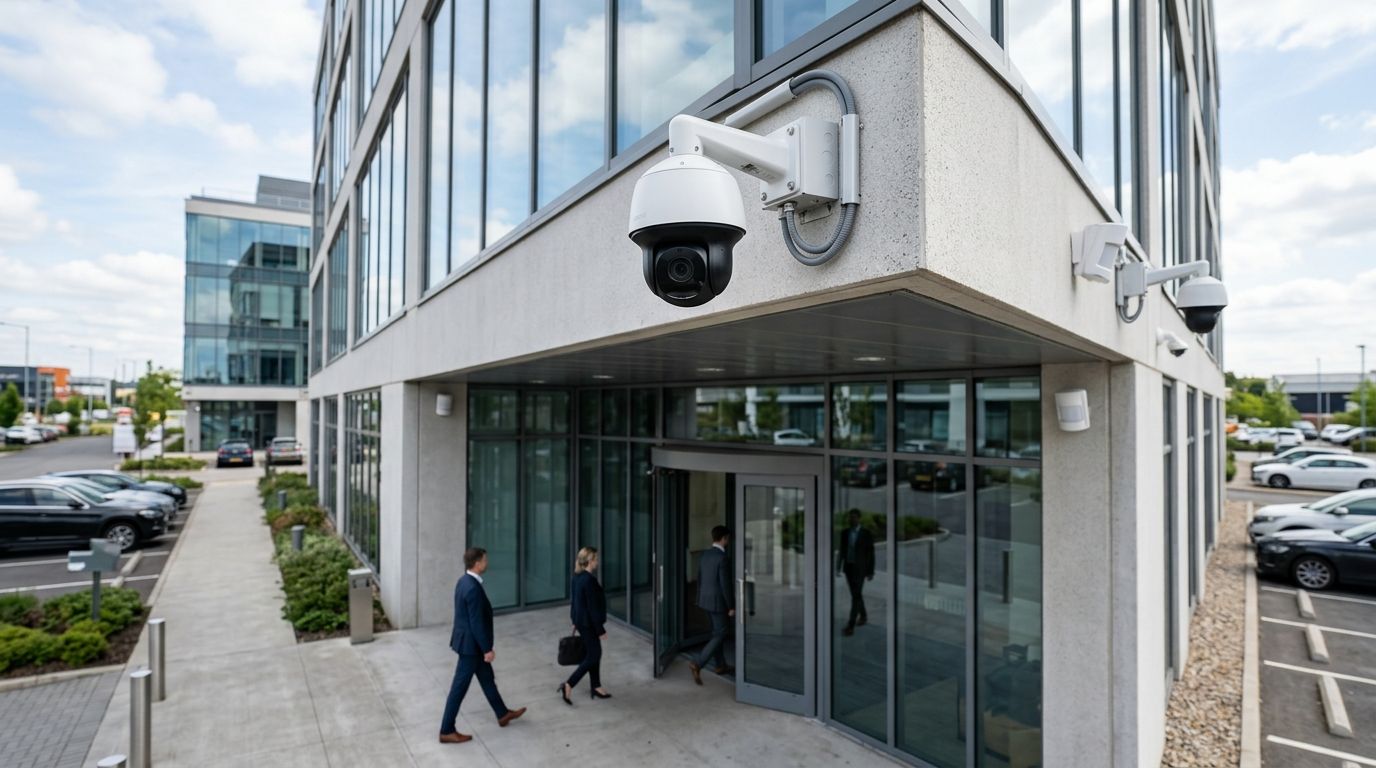
Best overall: Axis Communications. Best for multi-location businesses: Verkada. Best for AI-driven analytics: Avigilon. Best budget option: Rhombus Systems. Skip if you hold federal contracts or critical-infrastructure status: Hikvision and Dahua hardware. Those four calls cover most commercial buyers shopping for the best security camera systems for commercial properties in 2026.
- Axis Communications wins overall for open-platform reliability across warehouses and industrial sites.
- Verkada is the pick for multi-site retail and franchise operators who need one cloud dashboard.
- Avigilon suits facilities that want AI motion analytics tied to access control.
- Rhombus Systems is the simplest cloud-native option for buildings without in-house IT.
- Hikvision and Dahua hardware is banned under Section 889 of the 2019 NDAA for federal-adjacent and critical infrastructure sites.
Why this matters
A camera system that nobody can find footage on when a claim comes in isn't a security system, it's a decoration. Commercial properties in 2026 are buying cameras for three reasons: insurance requirements, loss prevention, and liability documentation after an incident. The wrong system fails at exactly the moment it's needed — storage that overwrote the clip, an app nobody remembers the password to, hardware nobody can service.
Camera systems don't operate in isolation. Most commercial buildings pair them with fire alarm monitoring, access control, and suppression coverage as one life-safety and security package. First-Line Fire Extinguisher handles the fire side of that package across Kentucky, Illinois, Indiana, Tennessee, Missouri and Alabama — extinguisher service, suppression systems, and alarm work that a camera vendor won't touch. If you're already scoping cameras, it's worth checking your fire alarm coverage in the same walkthrough.
What makes the best commercial security camera system
- Storage model — cloud, on-premise NVR, or hybrid, and who owns the footage
- Integration — whether it talks to your existing alarm panel and access control
- Analytics capability — motion filtering, appearance search, license plate recognition
- Deployment complexity — how much IT staff time installation and upkeep demand
- Compliance and origin — manufacturing country matters for federal-adjacent and critical infrastructure sites
- Scalability — whether the platform holds up across five buildings or just one
At a glance
| System | Best for | Standout feature | Key limitation |
|---|---|---|---|
| Axis Communications | Warehouses and industrial sites | Open ONVIF platform, rugged rated housings | Needs an integrator to configure well |
| Verkada | Multi-location retail/franchise | Single cloud dashboard across sites | Closed ecosystem, Verkada hardware only |
| Avigilon | AI analytics + access control | Appearance search, unusual-motion alerts | Enterprise-tier learning curve |
| Rhombus Systems | Small buildings without IT staff | Cloud-native, no server to manage | Fewer third-party integrations |
| Genetec | Large multi-building campuses | One VMS across mixed camera brands | Overkill for a single small site |
| Hikvision/Dahua budget lines | Extremely tight budgets only | Lowest hardware cost among majors | Banned for federal/critical infrastructure use |
1. Axis Communications: best commercial security camera system for warehouses and industrial sites
Axis has built network cameras since the 1990s and its ONVIF-open platform means the hardware works with almost any third-party video management software, which matters for a warehouse or plant that already runs a VMS. The lineup includes housings rated for dust, extreme cold, and marine environments, which fits sites First-Line Fire Extinguisher already services for suppression and extinguisher coverage.
Axis Communications pros:
- Open platform, not locked to one vendor's software
- Camera models built for harsh industrial conditions
- Long track record with parts and firmware support
Axis Communications cons:
- Requires integrator involvement for setup, not plug-and-play
- No built-in cloud dashboard out of the box
- Higher upfront complexity for a single-building small business
Verdict: Buy for industrial and warehouse sites that already have IT support or a security integrator on retainer.
2. Verkada: best commercial security camera system for multi-location businesses
Verkada runs on a single cloud dashboard, so a franchise operator or retail chain with locations across several states can pull footage from every site without logging into separate systems. Cameras store footage locally and sync to the cloud, so a site losing internet for a day doesn't lose its recordings.
Verkada pros:
- One login manages every location
- Hybrid local-plus-cloud storage avoids single points of failure
- Mobile app access works well for managers checking sites remotely
Verkada cons:
- Closed ecosystem — only works with Verkada cameras
- Ongoing feature access is subscription-dependent
- Higher entry cost for full-feature deployments
Verdict: Buy for chains and franchises managing four or more sites.
3. Avigilon: best commercial security camera system for AI analytics and access control
Avigilon, now under Motorola Solutions, focuses on AI that filters unusual motion and searches footage by appearance rather than forcing someone to scrub hours of video. It pairs tightly with access control hardware, which suits office buildings and campuses that already gate entry with badge readers.
Avigilon pros:
- AI motion filtering cuts down false-alert review time
- Appearance search speeds up incident investigation
- Tight integration with access control systems
Avigilon cons:
- Priced for enterprise budgets, not a single small storefront
- Analytics need adequate bandwidth and storage to run well
- Admin console has a real learning curve
Verdict: Buy for offices and campuses running access control and wanting analytics, not just recording.
4. Rhombus Systems: best commercial security camera system for buildings without IT staff
Rhombus is cloud-native from the ground up — no on-site server, no NVR box to babysit. A small commercial building with one office manager and no dedicated IT person can get it running without a specialist on-site.
Rhombus Systems pros:
- No server or NVR hardware to maintain
- Setup designed for non-technical staff
- Cloud management from any browser
Rhombus Systems cons:
- Smaller company footprint than Axis or Avigilon
- Fewer third-party integrations available
- Feature tiers gate functionality behind subscription levels
Verdict: Buy for single-building small businesses that want cameras running this month, not this quarter.
5. Genetec: best commercial security camera system for multi-building enterprise campuses
Genetec is video management software, not a camera brand — it sits on top of mixed-brand hardware and unifies it into one interface. For a hospital campus, university, or multi-building corporate site with cameras from three different manufacturers already installed, Genetec ties them together instead of forcing a rip-and-replace.
Genetec pros:
- Works across mixed camera brands and legacy hardware
- Handles license plate recognition and access control modules
- Built for large, multi-building deployments
Genetec cons:
- Overkill and overpriced for a single small building
- Needs a trained administrator to run properly
- Deployment timeline runs longer than plug-and-play cloud systems
Verdict: Buy for large campuses already running mixed hardware; Skip for a single storefront.
6. Hikvision and Dahua budget lines: lowest cost, but check compliance first
Hikvision and Dahua hardware sits at the low end of price among major manufacturers with wide model availability. Section 889 of the 2019 National Defense Authorization Act bans this hardware from facilities connected to federal contracts or classified as critical infrastructure, and that restriction is still enforced in 2026.
Hikvision/Dahua pros:
- Lowest hardware cost among established manufacturers
- Broad availability and resolution range
Hikvision/Dahua cons:
- Banned for federal-adjacent and critical infrastructure sites under Section 889
- Ongoing scrutiny over data handling has limited support pathways in parts of the US
- Not a fit for coal mining, marine, or fleet operations with federal ties
Verdict: Skip if your property touches federal contracts, critical infrastructure, or coal mining compliance requirements. Wait and reassess for everyone else until compliance status is confirmed.
How we ranked these
Each system was weighed against the six criteria above — storage model, integration, analytics, deployment complexity, compliance, and scalability — not against a single "most popular" list. That's why Axis and Genetec rank differently depending on whether you're outfitting one loading dock or a five-building campus; the criteria, not the brand name, decide the slot.
Which commercial security camera system should you choose?
A single-building small business without IT staff should default to Rhombus Systems. A retail chain or franchise with multiple addresses should default to Verkada. An industrial site, warehouse, or coal mining operation already running an integrator should default to Axis Communications. Anyone with federal contracts or critical infrastructure status should confirm compliance before touching Hikvision or Dahua hardware at all.
Whichever system you land on, cameras don't replace fire alarm coverage or extinguisher service — they run alongside it. Fire alarm systems for small businesses and fire alarm monitoring for multi-family buildings cover the side of the building a camera feed can't.
Cover the fire side of your building
Extinguisher service, alarms and suppression across KY, IL, IN, TN, MO and AL.
FAQ
What is the best security camera system for commercial properties in 2026?
Axis Communications is the best overall pick for 2026 because its open platform works with almost any third-party video management software and holds up in industrial conditions. Verkada is the better call for chains managing multiple locations from one dashboard.
Is Verkada better than Axis for commercial buildings?
Verkada wins for multi-location businesses that want one cloud login across every site, while Axis wins for single industrial or warehouse sites that need an open platform an integrator can configure. Neither is universally better — the building count and IT setup decide it.
Can commercial properties use Hikvision or Dahua cameras in 2026?
Section 889 of the 2019 National Defense Authorization Act still bans Hikvision and Dahua hardware from facilities tied to federal contracts or critical infrastructure in 2026. Properties outside that scope can use the hardware, but should confirm compliance status first.
Do commercial security camera systems need cloud storage?
Not always — hybrid systems like Verkada store footage locally on the camera and sync to the cloud, which protects recordings during an internet outage. Fully cloud-native systems like Rhombus Systems skip on-site servers entirely, trading that resilience for simpler setup.
What's the difference between a camera brand and a VMS like Genetec?
A camera brand like Axis or Hikvision manufactures the hardware, while a VMS like Genetec is software that manages footage across camera brands, including legacy equipment already installed. Large multi-building campuses use Genetec specifically to avoid replacing existing cameras.
Do I need cameras and fire alarm monitoring, or just one?
Commercial insurance and liability standards in 2026 generally expect both — cameras document incidents and fire alarm monitoring alerts responders to fire events, and neither covers the other's job. Buildings running both typically coordinate them as one life-safety package.
One last thing
The cheapest camera system on this list — Hikvision and Dahua hardware — is also the one most likely to get ripped out mid-contract if your building later signs federal work or gets classified as critical infrastructure. Confirm your compliance status before buying, not after the cameras are mounted.