A hybrid fire alarm and security camera system is worth considering for a warehouse when it connects alarm locations with useful camera views without making fire notification depend on video. For a 2026 project, buy that specific capability—not an all-in-one label—and keep fire response, testing, and service responsibilities clear.
- Is a hybrid fire alarm and security system worth it for warehouses? Yes, when integration helps staff locate events.
- Fire alarm notification must not depend on someone watching security camera footage.
- Choose separate systems when a shared interface adds complexity without improving your response plan.
- Firstlinefire fits commercial operators seeking fire alarm and security services; confirm the proposed integration in writing.
Is a hybrid fire alarm and security system worth it for warehouses?
Yes, if the integration solves a defined operating problem. Skip it if the main benefit is simply putting more equipment under one name. A useful arrangement connects a fire event to the correct location and camera view while preserving the fire alarm system’s required functions.
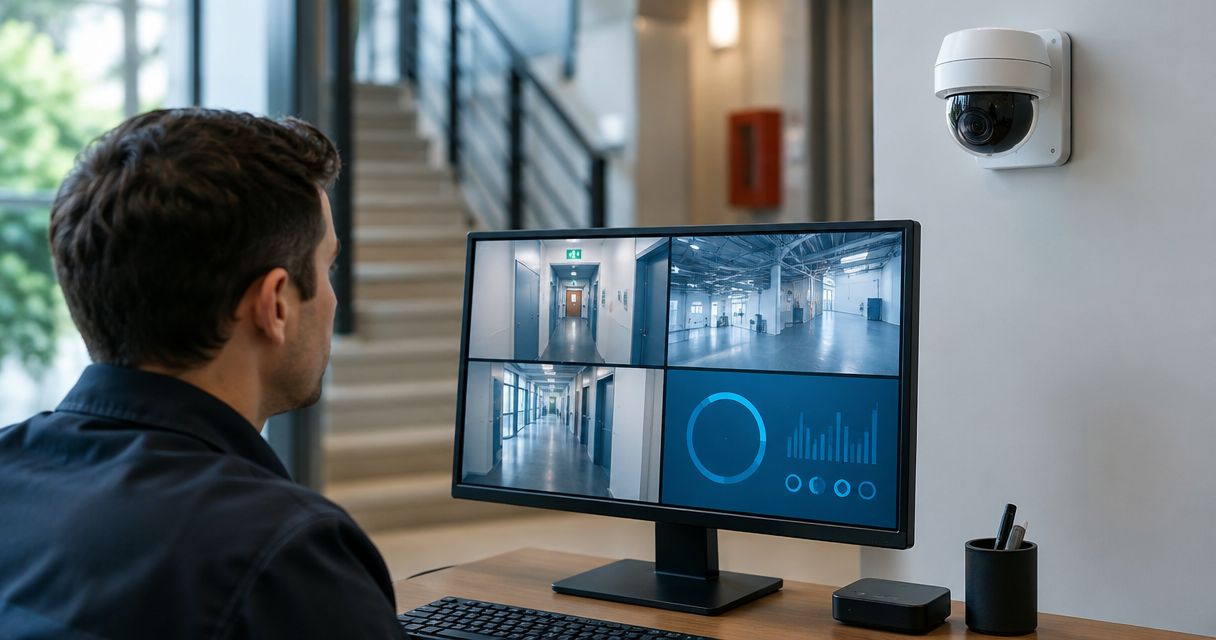
The word hybrid does not tell you what connects. It can describe a shared screen, an event connection between separate systems, or equipment sold together without meaningful integration. Ask for a drawing and a demonstration before approving the scope.
Firstlinefire provides fire alarms and security services to commercial and industrial customers. That service scope makes it relevant to this discussion; the warehouse’s equipment and proposed connections still need a project-specific review.
| Arrangement | Best for | Main advantage | Main limitation | Recommendation |
|---|---|---|---|---|
| Separate fire alarm and camera systems | Warehouses with clear responsibilities and no need for linked views | Keeps each system’s operation and maintenance distinct | Staff must match alarm locations to camera views themselves | Keep when the existing response process works |
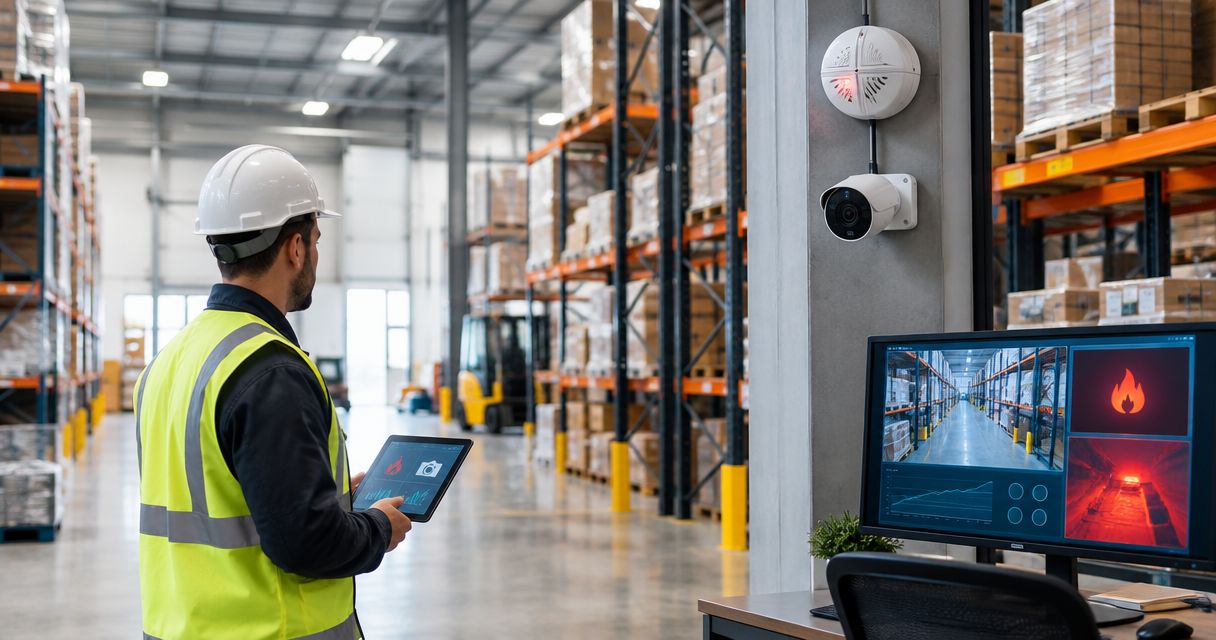
| Separate systems with an event connection | Warehouses that need camera context for identified alarm locations | Connects event information without requiring every function to share equipment | Connections need compatibility checks and functional testing | Consider when the connection solves a documented problem |
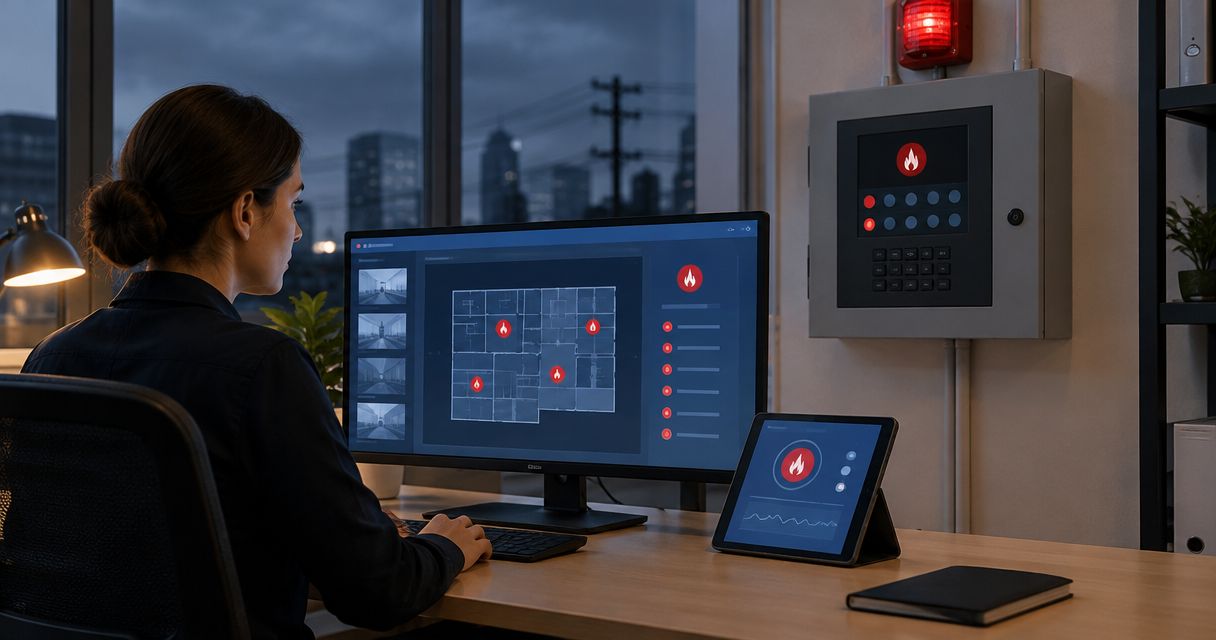
| Shared operating interface | Warehouses with staff assigned to review several building systems | Places event information and camera views in a common workspace | Adds interface administration and another connection to maintain | Choose only after demonstrating normal and failure conditions |
None of these arrangements makes an ordinary security camera a substitute for required fire detection. Nor does a shared screen prove that the building’s alarm, monitoring, or notification requirements are satisfied.
Why this matters
Warehouse staff need to know where an event occurred and what to do next. A camera view can provide context at a loading dock, an aisle, or an entrance. It cannot show everything behind stored goods, inside concealed spaces, or outside its field of view.
That distinction matters when someone sees an alarm but no visible smoke. An empty-looking camera image is not permission to dismiss a fire alarm. Follow the emergency plan rather than treating video as a clearance check.
For your 2026 decision, separate the life-safety requirement from the operating convenience. The fire alarm must do its assigned job. Integration earns its place only when it helps people understand an event without interrupting that job.
Separate systems: best for a clear, simple response process
Keep separate systems when staff already understand alarm locations and can find the relevant camera views without confusion. There is no reason to replace a workable arrangement solely to obtain a shared dashboard.
The advantage is a clear boundary. Fire alarm work stays with the fire alarm service scope, and camera work stays with the security scope. That boundary can also make troubleshooting easier to assign.
The drawback is manual coordination. Different room names, aisle names, and camera labels can slow the handoff between staff. Fix the naming and response instructions before assuming new equipment is necessary.
Recommendation: keep separate systems when the response process is clear and the proposed connection adds no useful action.
Event-connected systems: best for locating an alarm
An event connection is useful when an alarm location can call up the relevant camera view or identify it for staff. The proposed design should state which events are shared, where they appear, and who receives them.
The advantage is a direct link between an event and its location. The limitation is the connection itself: supported interfaces, event mapping, and failure reporting all need review. A connection that works during a sales demonstration still needs acceptance testing at the warehouse.
Review the security cameras to fire alarm monitoring workflow when defining that handoff. Keep the discussion centered on event handling, not just whether the equipment can exchange information.
Recommendation: consider event-connected systems when location information is the problem you need to solve.
A shared interface: best for assigned building-system operators
A shared interface makes sense when designated staff have a real duty to review fire events and security information. It should show distinct event types and preserve clear instructions for each.
The advantage is a common operating view. The drawback is added administration: accounts, permissions, software changes, and interface maintenance become part of the operating plan. A screen that nobody owns becomes another unattended system.
Require a demonstration of what happens when the interface stops working. Staff should understand which functions remain available, where trouble information appears, and how to continue the response process.
Recommendation: choose a shared interface only when staff will use it and its failure behavior is documented.
How to evaluate a warehouse integration in 2026
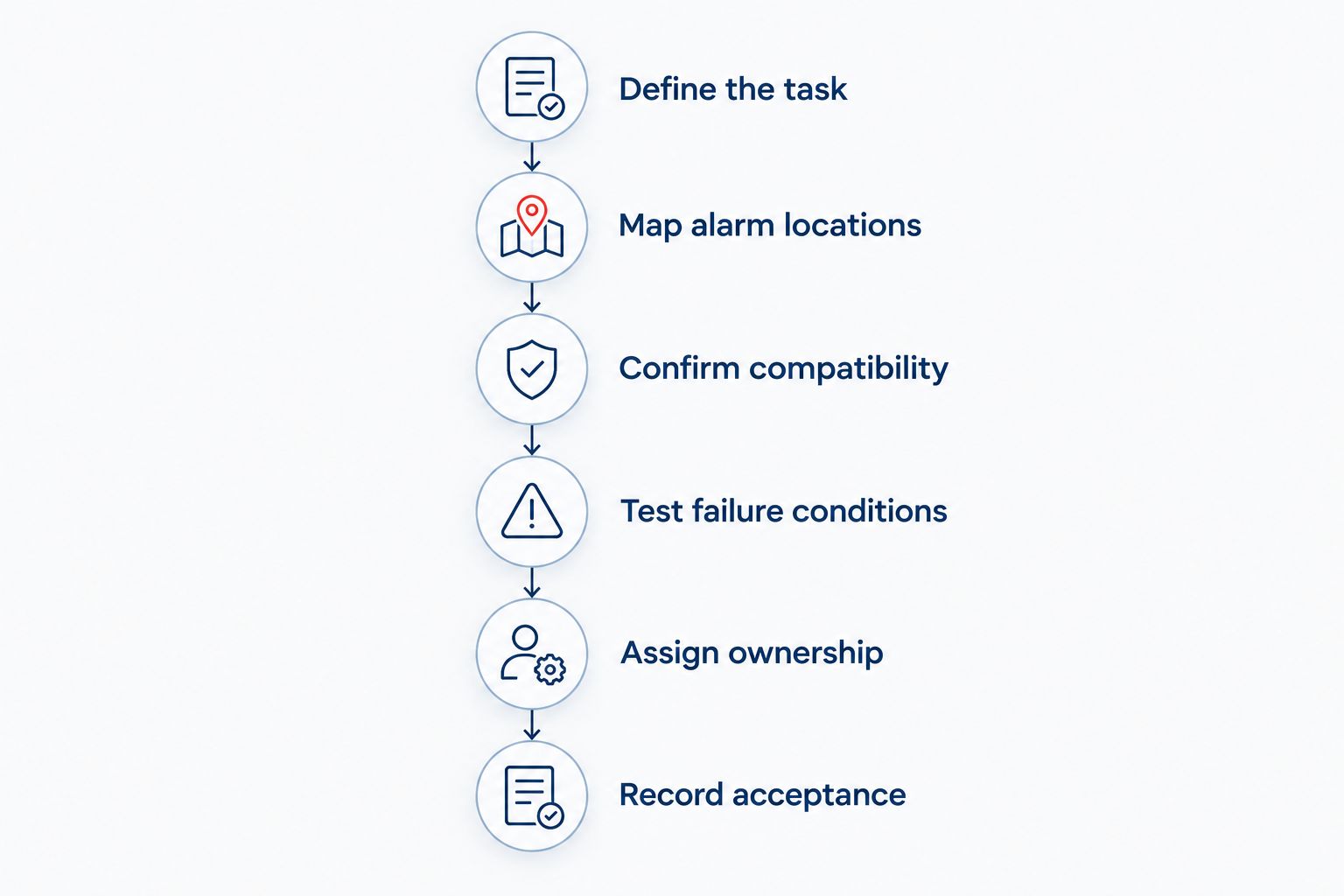
Use the following sequence before choosing equipment. It keeps the discussion on the warehouse’s needs rather than the installer’s preferred package.
Define the task
Write down the action you want the integration to support. Examples include identifying the alarm location, opening a relevant camera view, or notifying a designated operator. These are different tasks; do not accept a proposal that treats them as interchangeable.
Describe the current problem in plain words. If staff cannot match panel labels to aisle names, consistent labels are part of the solution. New hardware alone does not fix unclear instructions.
Map alarm locations
Put alarm locations and camera views on the warehouse plan. Use the same names on the plan, at the panel, and in the camera interface. Include loading areas and other spaces involved in the intended response.
Check the actual view from each relevant camera. Racking, stacked goods, doors, and changing storage arrangements affect what is visible. Mark locations without a useful view instead of implying complete coverage.
Confirm compatibility
Have the proposed installer identify the existing equipment and the supported connection method. Request the applicable manufacturer instructions and the intended event mapping. Do not treat the presence of a network port as proof of compatibility.
Ask which changes affect the fire alarm system and which affect only the security system. Obtain the necessary review from the authority having jurisdiction before relying on a proposed life-safety arrangement.
Test failure conditions
Require a test plan that covers normal operation and loss of the connected interface. Include the relevant communication and power-loss conditions for the proposed design. Record the expected result before conducting the test.
The key question is blunt: what still works when the camera connection fails? Reject a design that requires someone to review video before carrying out the established fire alarm response.
Assign ownership
Name the person responsible for alarm response, camera access, contact-list updates, and service coordination. Define who can change event mappings or user permissions. Give staff a clear route for reporting faults.
Keep the handoff practical. A night-shift employee should not have to guess whether to call the camera installer or the fire alarm contractor when the shared interface reports a problem.
Record acceptance
Keep the approved scope, system drawings, event mapping, test results, and operating instructions together. Record unresolved items rather than treating a successful camera display as acceptance of the whole project.
For a 2026 installation, make the final demonstration match the written scope. Staff should see the promised event connection work and understand the fallback procedure before the project closes.
Why the value of warehouse integration varies
The useful connection is different for each operating plan. Evaluate these factors rather than assuming that a larger warehouse automatically needs a shared system:
- Response responsibility: Decide who receives the event and what action that person must take. An unattended interface does not create a response process.
- Location clarity: Match alarm descriptions to names staff recognize. A linked camera view has limited value when the underlying location label is wrong.
- Camera visibility: Check the intended views against stored goods and the working layout. Integration does not remove obstructions.
- Existing equipment: Confirm the supported connection before planning around equipment reuse. Compatibility belongs in the written scope.
- Maintenance ownership: Identify who maintains each connection and retests it after changes. A useful integration needs an owner after installation.
Firstlinefire’s fire alarm and security services fit the service categories involved here. Request a warehouse-specific scope that identifies responsibilities and testing; do not infer a particular integration capability from a general service description.
Discuss your warehouse alarm scope
Ask about fire alarm and security services for your warehouse.
Can security cameras replace warehouse fire detection?
No. Ordinary security cameras do not replace required warehouse fire detection. Cameras supply images from their fields of view; fire alarm equipment performs its specified detection, signaling, and notification functions.
Treat video as supporting information. Any specialized video-based fire detection proposal needs its own suitability and approval review, not an assumption that an existing camera installation qualifies.
Should someone check video before responding to a fire alarm?
No. Do not make the established fire alarm response wait for a camera check. Staff should follow the emergency plan and the approved alarm-handling procedure.
A camera view can help an assigned operator understand location and conditions while the response proceeds. It does not authorize that operator to cancel or delay the response because smoke is not visible.
Is replacing both systems necessary to connect them?
Not automatically. Evaluate the existing fire alarm and camera equipment before deciding what to replace. The supported interfaces and proposed functions determine the scope.
For a 2026 retrofit, ask for separate explanations of required work and optional operating conveniences. Keep equipment that remains suitable; replace equipment only for an identified reason supported by the design review.
What belongs in the written proposal?
A useful proposal describes behavior, not just equipment. It should let you compare what each arrangement does under the same conditions.
Request these items:
- The fire alarm and security equipment included in the work.
- The events shared between systems and their destination.
- The alarm locations linked to camera views.
- The response procedure and assigned responsibilities.
- The operation expected during connection failures.
- The testing, documentation, and staff instruction included at handover.
Keep fire alarm work distinct from camera installation in the scope. If an item is optional, label it optional. That makes it easier to decline an unnecessary feature without weakening the required fire protection work.
FAQ
Is a hybrid fire alarm and security system worth it for warehouses in 2026?
Yes, when the connection solves a defined response problem without making fire notification depend on video. Choose the arrangement by its documented behavior, not the hybrid label.
What's the best arrangement for a warehouse that already has working systems?
Keeping separate systems is the best starting point when the existing response process works. Add an event connection only after identifying a useful task and confirming compatibility.
Can warehouse cameras tell staff whether a fire alarm is false?
A camera image cannot establish that a fire alarm is false. Obstructions and limited views leave conditions outside the image, so staff must follow the approved response procedure.
Can an existing fire alarm panel connect to security cameras?
An existing panel needs a compatibility review before any connection is specified. Identify the equipment, supported interfaces, intended events, and approval requirements.
Does a shared dashboard mean the fire alarm and cameras use the same equipment?
No. A shared dashboard can display information from separate systems. Ask the installer to show which equipment and connections perform each function.
What should happen if the camera connection stops working?
The fire alarm must continue its required functions without depending on the camera connection. The test plan should document failure behavior and the staff fallback procedure.
Can Firstlinefire help with warehouse fire alarms and security?
Firstlinefire provides fire alarm and security services to commercial and industrial customers. Request a project-specific review to establish the equipment, integration scope, and service responsibilities.
One last thing
Before approving your 2026 project, ask the installer to demonstrate the proposed response with the camera connection unavailable. That test exposes whether the shared interface is a useful aid or an unnecessary dependency.
Buy a clear handoff, not a crowded screen. If staff know the alarm location, follow the response plan, and understand the fallback procedure, the integration has a defined job. If the demonstration depends on someone deciding whether the video looks serious, stop and revise the plan.