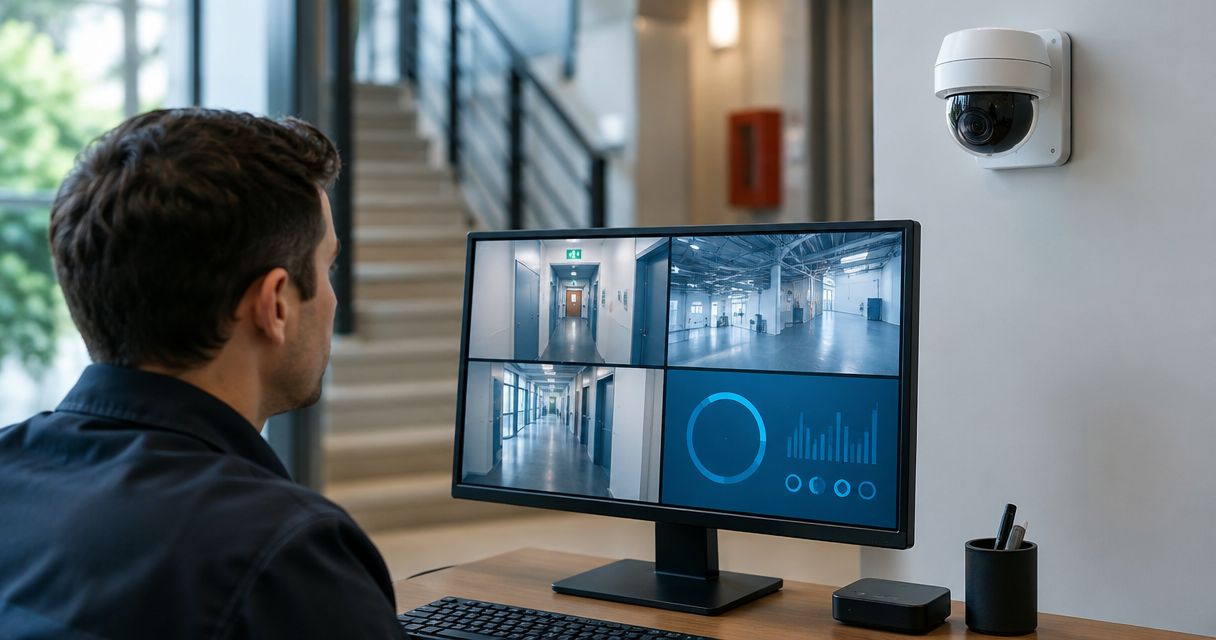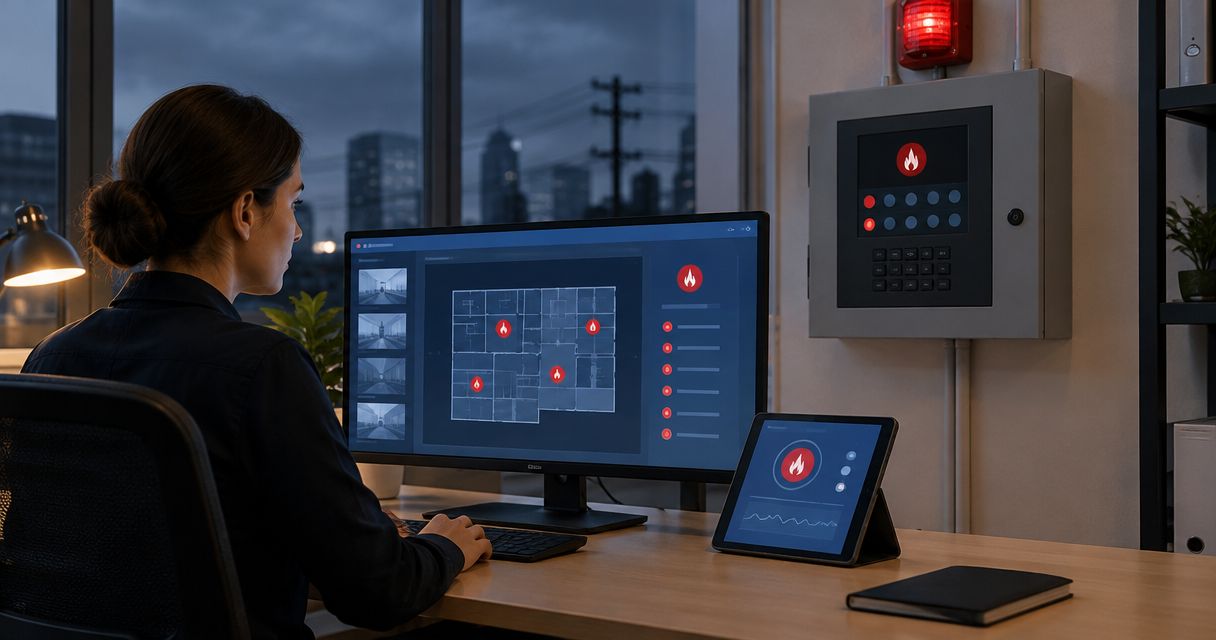
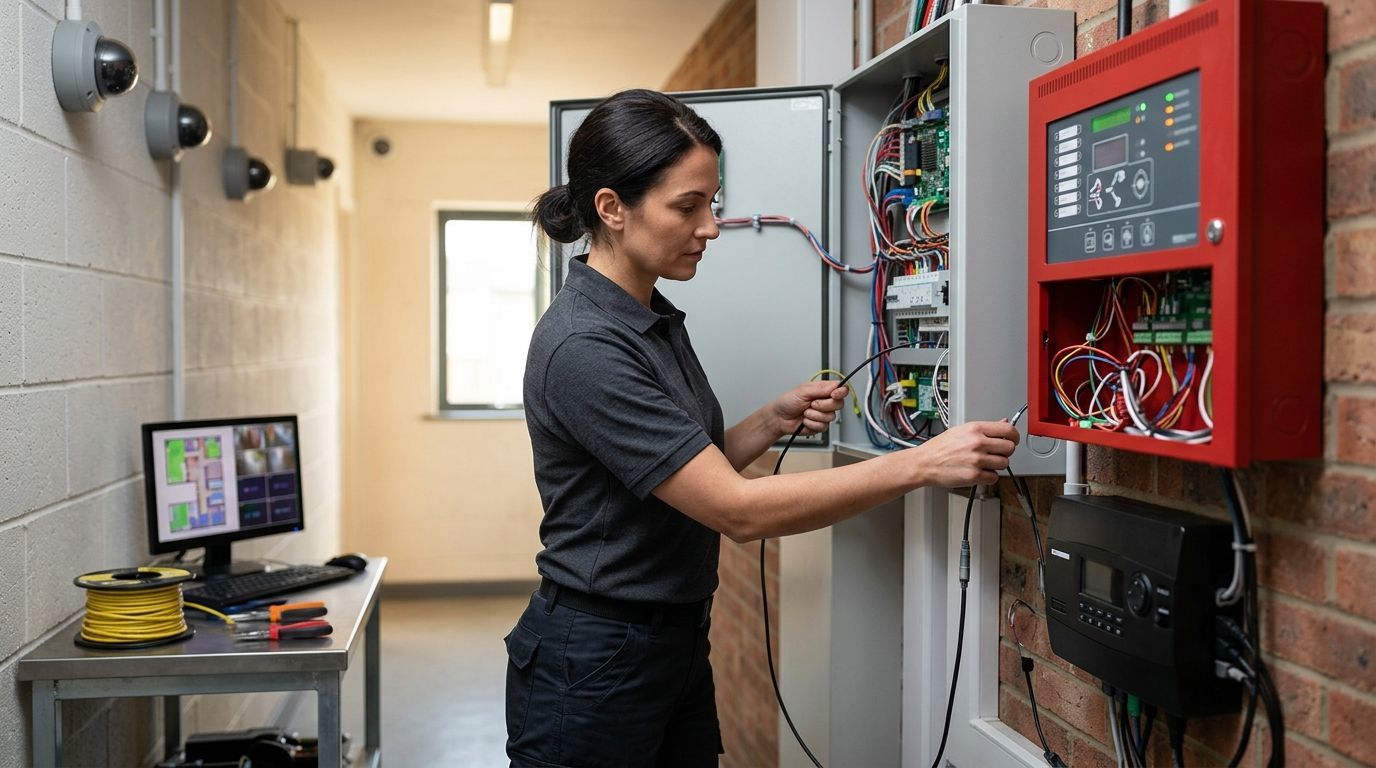
Instead of manually matching a fire alarm signal to security footage after an incident, connect the panel event to the camera platform so the correct live view and recording appear when the alarm activates. In 2026, the safe workflow keeps the fire alarm monitoring service primary and treats video as supplemental information, never as a replacement for the alarm signal.
- A fire alarm monitoring service must receive the alarm even when the camera system is offline.
- Use an approved relay, gateway, or software integration to associate panel events with cameras.
- First-Line Fire is best for commercial and industrial operators that need coordinated fire alarm and security service across six states.
- Document every trigger, camera view, notification path, and reset condition before the 2026 acceptance test.
Why this matters
A fire alarm panel and a camera system answer different questions. The panel reports that a device changed state. The camera shows what is happening near that device, provided the view is clear and the video system remains online.
Connecting them gives a monitoring operator more context. It does not make video part of the initiating circuit, and it must not block or delay transmission of the fire alarm signal. The alarm goes first. Video follows as supplemental information.
First-Line Fire provides fire alarm, security, inspection, and service work for commercial and industrial customers across Kentucky, Illinois, Indiana, Tennessee, Missouri, and Alabama. A 2026 integration plan should involve the fire alarm provider, camera provider, monitoring center, and authority having jurisdiction before programming begins.
Before you start
- Confirm access. You need authorized access to the fire alarm configuration, camera or NVR administration, network settings, and monitoring account. Do not make fire alarm changes under a shared or undocumented login.
- Collect the records. Get the panel model, camera platform, input and output documentation, zone list, monitoring account details, network diagram, and current sequence of operations.
- Confirm approval. Ask the monitoring center which event formats and video workflows it accepts. Ask the authority having jurisdiction whether the change requires plans, a permit, witnessed testing, or revised records.
- Pre-empt the gotcha. A spare panel output does not automatically mean it can be used for a camera connection. Its rating, supervision, programming options, and listing must match the approved interface. Do not connect camera equipment directly to a fire alarm circuit without an approved design.
Keep a 2026 change record from the first planning call. It should identify who approved the connection, who programmed each system, and which tests remain open.
Choose the connection method
The right method depends on the installed panel, camera platform, monitoring receiver, and approved sequence. Do not choose by convenience alone.
| Connection method | Best for | What it does | Main advantage | Main limitation |
|---|---|---|---|---|
| Approved relay interface | Systems with compatible physical inputs and outputs | Changes a camera-system input when the selected panel event occurs | Clear separation between systems | Provides limited event detail unless separate outputs are assigned |
| Listed integration gateway | Sites that need structured event exchange | Converts supported panel events into commands the video platform understands | Can distinguish more event types | Compatibility is limited to the devices and versions named by the manufacturer |
| Monitoring-platform association | Sites where both signals reach the same monitoring center | Matches the alarm account, event, and camera view at the receiver | Avoids a direct field connection between systems | Depends on monitoring-center and camera-platform support |
Best default: use the approved method already supported by the installed systems and accepted by the monitoring center. A custom workaround creates a service problem later, even when it appears to work during setup.
Define the event map
- List every fire alarm event that needs video context. Separate Alarm, Supervisory, Trouble, Waterflow, Tamper, and Restore events instead of sending all panel changes to one camera action.
- Match each selected event to a camera or camera group. Use a view that shows the protected area without hiding the initiating device behind equipment, shelving, or doors.
- Define the video action for each event. Choose live view, bookmarked recording, operator notification, or another action explicitly supported by the camera platform and monitoring center.
- Define the reset behavior. State whether the video action ends on panel reset, event restore, operator acknowledgment, or a documented timer supported by the system.
- Record the exact panel point, event code, camera identifier, and monitoring response in the sequence of operations.
Expected result: every selected panel event has one documented video response, one reset condition, and one responsible monitoring role. No event depends on an operator guessing which camera to open.
Configure the fire alarm event output
Only authorized fire alarm personnel should change panel programming or field wiring. Menu labels vary by manufacturer and software version, so use the installed system's manual rather than copying labels from another panel.
- Place the account on test with the monitoring center before opening the panel or generating signals.
- Verify that the proposed output or gateway connection is approved for the panel and intended event. Check the manufacturer documentation for electrical ratings, supervision requirements, and permitted programming.
- Select the documented event in the panel configuration. Use the exact point, zone, or event type from the approved event map.
- Assign the approved output behavior. Do not combine alarm, supervisory, and trouble events unless the sequence of operations specifically calls for that grouping.
- Save the configuration under an authorized account and record the change.
- Activate the selected test device using the approved testing method. Do not create smoke, heat, or waterflow outside the established test procedure.
Expected result: the fire alarm panel reports the correct event, sends the required monitoring signal, and changes only the approved interface output. The camera system is not allowed to acknowledge, reset, silence, or interfere with the panel.
Configure the camera action
The camera platform receives the event after the fire alarm path is established. Its job is to display and preserve useful context.
- Open the documented event or physical-input configuration in the camera platform.
- Select the input, gateway message, or monitoring-platform event named in the approved event map.
- Assign the correct camera or camera group. Confirm that the view covers the event area and that the camera name matches the name used by the monitoring center.
- Enable the approved recording or bookmark action. Use retention and recording settings already authorized for the property rather than creating a separate undocumented policy.
- Configure operator notification only for the recipients named in the response plan. Do not send life-safety alerts to an unattended mailbox as the primary action.
- Test the camera action while the fire alarm account remains on test.
Expected result: the correct live view or recording appears when the selected fire event activates. The video event carries enough identification for an operator to match it to the building, panel account, and alarm location.
For properties selecting or replacing cameras, the commercial security camera system guide explains the features that matter at commercial sites. Confirm integration support against the installed fire alarm equipment before choosing a platform.
Complete the monitoring-center handoff
- Give the monitoring center the approved event map, camera names, building identifiers, and response instructions.
- Confirm how operators access video. Use the monitoring center's approved receiver, portal, or integrated platform; do not rely on personal accounts.
- Run a 2-person test when possible: one person controls the site test while the other confirms each received event with the monitoring contact.
- Test alarm transmission first, then confirm the related video action. Repeat the process for restore, trouble, and supervisory events included in the scope.
- Record event times to the nearest second so panel, camera, and receiver logs can be compared without guesswork.
- Remove the account from test only after the monitoring center confirms normal status.
- Save the 2026 acceptance-test record with the system documents and updated sequence of operations.
Expected result: the monitoring center receives the fire signal independently, associates the correct camera information with it, follows the approved response plan, and sees the system return to normal.
Plan the alarm and camera connection
Coordinate the panel, video system, monitoring account, and site test before programming starts.
Attach video when alarm status changes
A second workflow sends a new camera action when the fire alarm event restores or the panel resets. This helps operators separate an active condition from a cleared panel while preserving both timestamps.
- Add Restore or Reset as a separate event in the approved event map.
- Associate that event with the same camera group used for the original alarm.
- Configure a separate bookmark or operator message so the restore does not overwrite the original event.
- Test the alarm and restore as two distinct signals.
- Confirm that the original fire alarm video remains available under the property's retention policy.
Expected result: the monitoring record shows the initial alarm and later status change as separate events. The restore never cancels or hides the original alarm record.
Do not reverse the workflow and let ordinary camera motion create a fire alarm signal. If camera analytics need to notify security staff, keep that event on the security path unless the equipment, design, monitoring procedure, and authority approval explicitly support another arrangement. The fire alarm monitoring and security system workflow covers that broader coordination.
Troubleshooting
The alarm arrives, but no camera opens
Check the event map before changing wiring. The panel may be sending the correct signal while the camera platform is listening for a different point, zone, or event code. Compare the panel log, gateway log, camera event log, and monitoring receiver record.
The wrong camera appears
Camera names often drift after replacements or recorder changes. Match the camera's current identifier to the approved event map, then update the monitoring-center record. Do not fix this by renaming several cameras without documenting the change.
Video works locally but not at the monitoring center
Confirm the approved remote-access path, account permissions, network rules, and receiver compatibility. A local NVR view proves that the camera is recording; it does not prove that the monitoring operator can reach it.
For standard copper Ethernet, the channel limit is 100 meters. A longer field run needs an approved network design rather than an extra patch cable hidden above the ceiling.
The camera system fails during a power interruption
The fire alarm panel and camera system have different power and standby requirements. Confirm approved standby power for the video equipment without placing it on an unauthorized fire alarm circuit. Test the video path during a controlled power-transfer test if that procedure is included in the site's plan.
Restore events create duplicate or endless notifications
The input state, latch behavior, or reset rule does not match the sequence of operations. Verify whether the interface changes momentarily or remains active until reset, then make the camera action follow that documented behavior.
Operators wait for video before handling the alarm
Correct the response plan. Video is supplemental unless the approved monitoring procedure specifically states otherwise. The fire alarm monitoring service must process the alarm under its required procedure even when footage is delayed, blocked, or unavailable.
Customize your workflow
Once the basic connection passes testing, add only the actions that solve a defined response problem:
- Associate different camera groups with separate buildings, floors, or hazard areas.
- Send supervisory and trouble events to different operator queues when the monitoring platform supports it.
- Add video-system health checks to the security maintenance plan.
- Review camera views after shelving, machinery, walls, or site traffic patterns change.
- Include the integration in drills so staff know that video supports the response but does not replace evacuation or alarm procedures.
First-Line Fire can coordinate fire alarm and security work for commercial, industrial, coal mining, marine, and vehicle or fleet customers in its 6-state service area. The useful deliverable is not just a working trigger. It is a documented connection that another technician can test, service, and restore in 2026.
FAQ
Can security cameras connect to a fire alarm monitoring service?
Yes, security cameras can provide supplemental video for a fire alarm monitoring service through an approved relay, gateway, or monitoring-platform association. The fire alarm signal must remain independent of camera availability.
Can a camera trigger a building fire alarm?
Ordinary camera motion should not trigger a building fire alarm. Any camera-based initiating function requires equipment, design, programming, monitoring procedures, and authority approval specifically intended for that life-safety use.
Does video verification replace fire alarm monitoring?
No, video verification does not replace fire alarm monitoring. It gives operators added context while the panel signal and approved response procedure remain primary.
What information should the monitoring center receive?
The monitoring center should receive the fire alarm account, event type, location, camera identifier, response instruction, and reset condition defined in the approved event map. Every field must match the site records.
Can an existing NVR be used for the connection?
An existing NVR can be used only if it supports the approved input, gateway, or monitoring-platform workflow. Confirm the exact model, firmware, permissions, and receiver compatibility before changing the fire alarm system.
Who should test the camera and fire alarm connection?
Authorized fire alarm personnel, the camera or security provider, and the monitoring center should complete the test together. The authority having jurisdiction may also require documentation or a witnessed test.
What should a 2026 integration test include?
A 2026 integration test should confirm alarm transmission, camera association, operator access, event timestamps, restore behavior, power conditions, and normal-system recovery. Record every result in the updated sequence of operations.
What happens when the camera system is offline?
The fire alarm monitoring service must still receive and process the alarm when the camera system is offline. The operator records video as unavailable and follows the approved alarm response procedure.
One last thing
Test serviceability, not just activation. Disconnect or disable the approved video interface during a controlled test and confirm that the fire alarm still reaches the monitoring center without delay or interference. That single 2026 test exposes the most serious design mistake: making a life-safety signal depend on a camera, recorder, network switch, or internet connection.