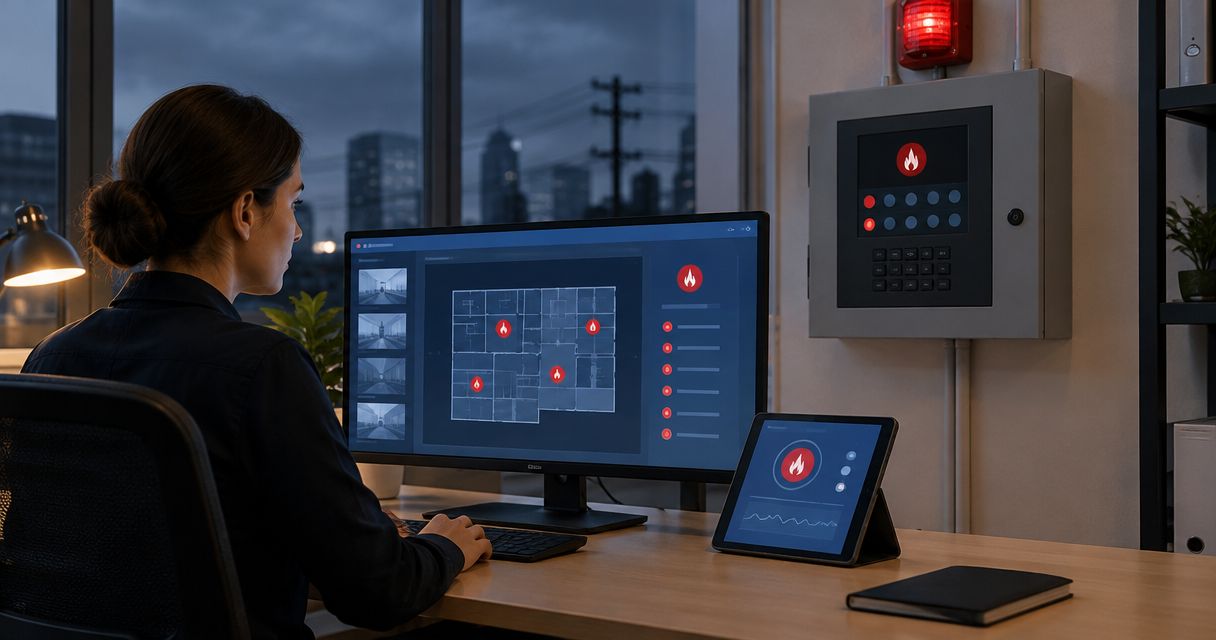
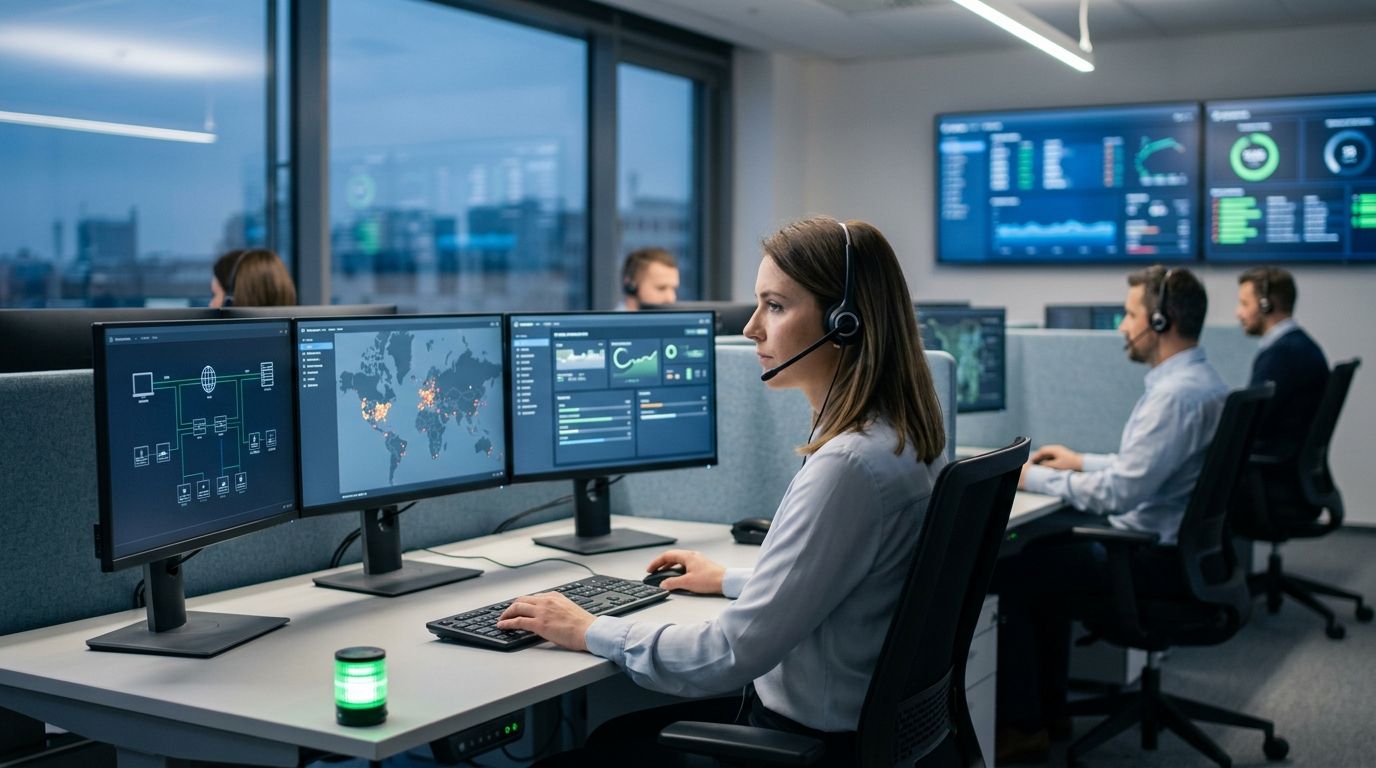
A fire alarm panel that only sounds a horn inside the building does not get anyone dispatched. It needs a path — phone line, cellular radio, or internet connection — to a UL-listed central station that calls the fire department. First-Line Fire Extinguisher Co. sets up fire alarm monitoring service so an alarm event moves from the panel to the monitoring center to dispatch, with a signal confirmation logged at every hop, not a manual phone call from whoever happens to be standing near the panel.
- Fire alarm monitoring service routes a panel signal to a UL-listed central station, which then dispatches the fire department — skip this and you're relying on someone in the building to call 911.
- Dual-path communicators (cellular plus IP) are the 2026 standard; copper landline (POTS) reporting is being phased out by carriers and should not be your only path.
- NFPA 72 sets a 90-second retransmission window and requires annual testing of the monitoring connection — First-Line Fire documents both on every account.
- Sprinkler waterflow and tamper switches can ride the same monitoring account as the fire alarm panel — no second communicator needed in most buildings.
Why This Matters
A panel with no monitoring is a local alarm — loud, but blind to anyone outside the building unless a person calls it in. Central station monitoring closes that gap: the panel reports the event, the monitoring center verifies it, and dispatch gets the address and alarm type without a human in the loop. NFPA 72 requires central stations to retransmit a verified fire signal to the fire department within 90 seconds, and it requires the transmission path itself to be tested at least annually. Buildings covered under insurance requirements or a local fire code often can't get an occupancy permit without proof of an active monitoring account. If you're comparing account types before you commit, the breakdown in fire alarm systems ranked by monitoring type covers local, central station, and proprietary monitoring side by side.
Before You Start
- Panel access. You need the installer code or supervisor code for the fire alarm control panel — without it, nobody can program a new communicator or run a test signal.
- A central station account. The monitoring company issues an account number and a reporting format (usually Contact ID) before anything gets wired in. This has to exist before step one.
- The gotcha: if the building still reports over a copper landline (POTS), check with the local carrier first. Many are actively retiring copper service in 2026, and a communicator that suddenly loses its dial tone mid-contract leaves a building unmonitored with nobody aware of it until an inspection catches it.
Connect the Panel to a Communicator
- Confirm the fire alarm control panel has an open communicator module slot, or that an external dual-path communicator is mounted near the panel.
- Wire the communicator to the panel's dedicated monitoring output terminals — not a general-purpose relay.
- Set the communicator's Reporting Format to Contact ID unless the central station specifies otherwise.
- Insert the SIM (cellular path) and confirm the IP path is plugged into a live network jack with internet access.
- Power up the communicator and confirm the status LED shows a registered signal on both paths.
Expected result: the communicator shows solid registration lights on cellular and IP, with no fault codes on the panel display.
Program the Central Station Account
- Enter the Account Number the central station assigned — this has to match exactly, digit for digit, or every signal gets rejected.
- Enter the Central Station Phone Number (for POTS or backup dialing) or confirm the IP receiver address if reporting entirely over the network.
- Set the Test Mode flag before doing anything else — this prevents a false dispatch while you're still wiring zones.
- Map each protected zone (smoke detectors, pull stations, waterflow, duct detectors) to its correct zone description in the central station's account file.
- Confirm the contact list — who the central station calls, in order, before or alongside 911 dispatch.
Here's how the common signal paths compare for a 2026 install:
| Signal Path | How It Reports | Best For | Verdict |
|---|---|---|---|
| POTS (copper landline) | Analog phone line dials the central station | Legacy panels not yet upgraded | Skip — carriers are retiring copper lines |
| Cellular only | Digital cellular radio inside the communicator | Remote sites with no reliable internet | Hold — fine as a backup path |
| IP/Internet only | Panel reports over the building's network connection | Sites with a stable internet contract | Hold — don't run this as the sole path |
| Dual-path (cellular + IP) | Reports over both paths simultaneously | Any commercial or industrial site in 2026 | Buy — this is the standard setup |
Buildings with heavier zone counts and multiple panels — plants, warehouses, distribution centers — should size the account against the guide for monitoring services for industrial facilities before locking in a single-panel account structure.
Run the Central Station Test
- Call the central station and confirm you're starting a test window — never trigger a live signal without this call.
- Trigger one zone at a time (smoke detector, pull station, waterflow switch) and confirm the central station operator reads back the correct zone description.
- Confirm the operator's timestamp matches within a minute or two of when you triggered the signal.
- Take the panel out of Test Mode once every zone has reported correctly.
- Get written confirmation — most central stations issue a signed test certificate the same day.
Expected result: every zone reports its correct description at the central station, with no missed or delayed signals.
Monitoring Sprinkler and Suppression Lines on the Same Account
Waterflow switches, tamper switches on sprinkler control valves, and kitchen hood suppression releases can report through the same panel and the same central station account as the fire alarm — you don't need a second communicator for this in most buildings. Wire the waterflow switch to its own supervised zone on the panel, give it a distinct zone description (Sprinkler Waterflow, 2nd Floor, not just Zone 4), and confirm during testing that a waterflow trip generates a different dispatch priority than a smoke detector trip. This matters most in buildings with wet-pipe systems where a flow signal should get an immediate fire department response, not a verification call first.
Troubleshooting
- Communicator shows no cellular signal. Check the antenna orientation and consider a signal booster if the panel sits in a basement or steel-frame mechanical room.
- Central station rejects the account number. Re-check for a transposed digit — this is the single most common reason a test signal never arrives.
- IP path drops when the building network reboots. Set the communicator on a static IP or a reserved DHCP lease so it doesn't lose registration every time IT restarts a switch.
- False dispatch during testing. You skipped the call to put the panel in Test Mode — always call the central station before triggering a zone, every time.
- VoIP-converted phone lines stop reporting. A communicator wired for analog POTS often fails silently on a VoIP line; this is a known issue anywhere a carrier has converted copper service, and the fix is a dedicated cellular or IP path, not a VoIP workaround.
Customize Your Monitoring Setup
Once the base account is running, expand it: add supervised duct detector zones for HVAC shutdown, tie in a kitchen hood suppression release for restaurants, or add a second contact list for a facility with rotating shift managers. Buildings with higher occupancy risk — senior living, multi-family housing, jails — carry stricter dispatch and verification requirements than a standard office account, so match the account structure to the occupancy type before finalizing zone descriptions.
Get your panel wired to central dispatch
First-Line Fire sets up the communicator, the account, and the test in one visit.
FAQ
What is a fire alarm monitoring service?
A fire alarm monitoring service connects a building's fire alarm panel to a UL-listed central station that receives the signal, verifies it, and dispatches the fire department. Without it, the alarm only sounds locally and relies on someone inside the building to call for help.
How fast does a monitored fire alarm reach the fire department?
NFPA 72 requires a central station to retransmit a verified fire signal within 90 seconds of receiving it. Total time to dispatch also depends on the signal path, and dual-path cellular and IP communicators report faster and more reliably than a single copper landline.
How often does a fire alarm monitoring connection need to be tested?
NFPA 72 sets a minimum annual test requirement for the communicator and the transmission path. Higher-risk occupancies and insurance-driven accounts often test quarterly instead.
Can a fire alarm system on a landline still be monitored in 2026?
It can, but many local carriers are actively retiring copper phone service, so a POTS-only communicator is a liability. A dual-path cellular and IP communicator is the standard replacement in 2026.
Is fire alarm monitoring required by code?
Most commercial occupancies require monitored fire alarm systems under the local fire code and the authority having jurisdiction, and many insurance policies require it separately. Requirements vary by occupancy type and building size, so check with the local AHJ for the specific rule.
What is the difference between central station monitoring and a local alarm?
A local alarm only sounds inside the building with no outside notification. Central station monitoring sends the signal to a monitoring center that verifies the event and contacts the fire department directly.
Can sprinkler waterflow switches be monitored on the same account as the fire alarm panel?
Yes. Waterflow and tamper switches typically report through the same panel and central station account, each on its own supervised zone with a distinct zone description.
What happens during a false alarm with central station monitoring?
The central station operator generally attempts a verification call to the site's contact list before dispatching, unless the signal type such as waterflow is set to dispatch immediately. This is why an accurate, current contact list on the account matters.
One Last Thing
The most common failure First-Line Fire finds on existing monitoring accounts isn't a dead panel — it's a communicator still wired for a copper line that a carrier converted to VoIP months earlier, reporting nothing, and nobody noticed. Check the signal path on your account before your 2026 inspection, not after a fire.