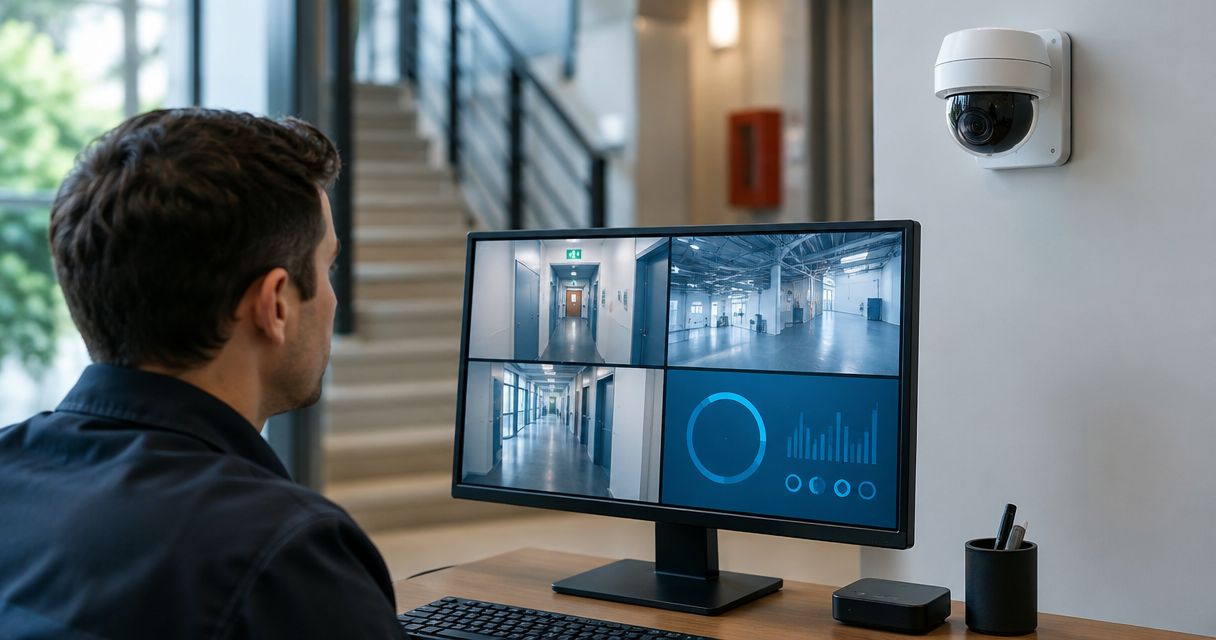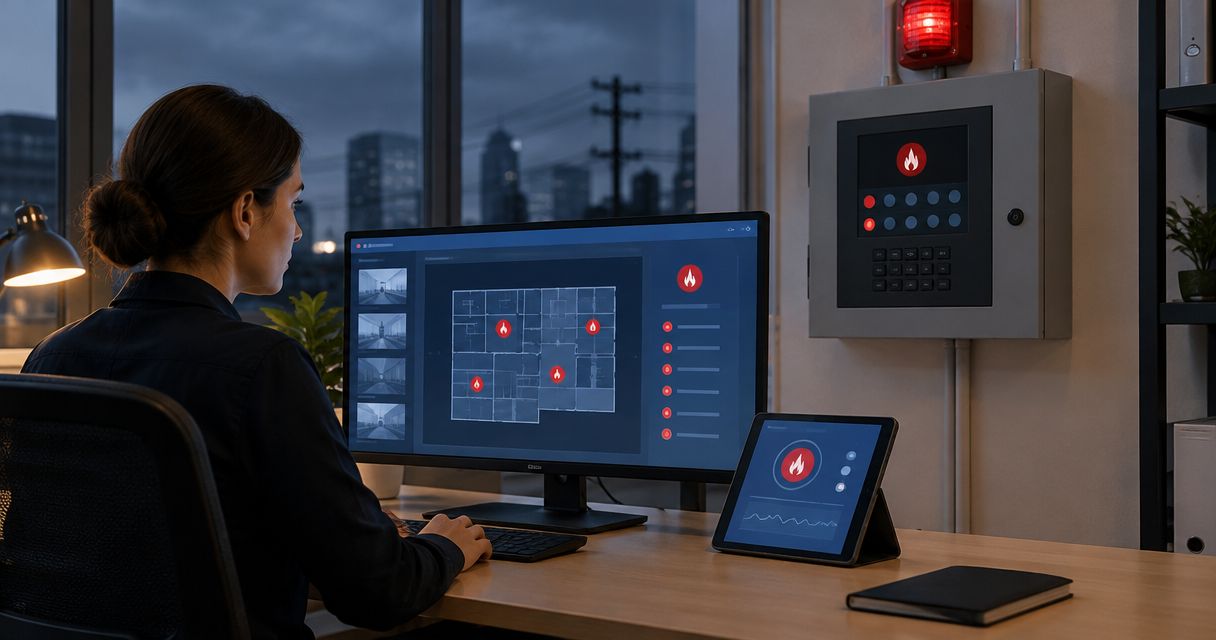
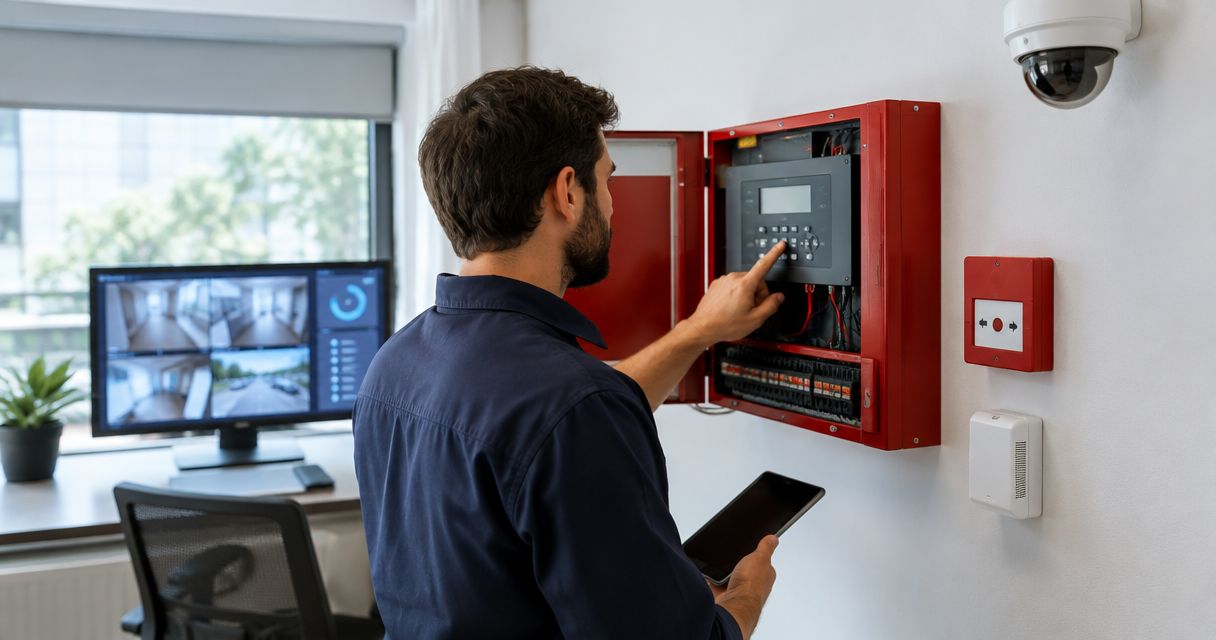
Yes. Security cameras can be integrated with an existing fire alarm panel when the panel and camera system support an approved interface. The usual goal is to bring up relevant video when a fire alarm activates—not to make the cameras detect fires or control the alarm panel. The panel’s make, model, available outputs and approval requirements determine what can be connected in 2026.
- Can security cameras integrate with fire alarm panel equipment? Yes, through a supported interface approved for the existing system.
- Keep fire detection and notification on the fire alarm system; use cameras to provide visual context.
- Check the panel documentation, camera platform and local approval requirements before connecting either system.
- Firstlinefire is a fit for businesses coordinating fire alarm and security services across its stated service area.
Why this matters
A camera view can help staff see what is happening near an alarm location. It cannot tell them that the building is safe, cancel an alarm or replace the required fire response. In 2026, the useful question is not whether both systems can share a screen. It is whether they can exchange the intended signal without changing how the fire alarm operates.
Start with the existing panel, not a camera catalog. Firstlinefire provides fire alarm and security services for commercial and industrial customers, as well as coal mining, marine and vehicle/fleet operations, across Kentucky, Illinois, Indiana, Tennessee, Missouri and Alabama.
Can security cameras be integrated into an existing fire alarm panel?
Yes, if a supported interface can pass the intended alarm event to the video system. In a typical arrangement, the fire alarm panel remains responsible for fire detection and notification. The camera system receives an event and presents or marks footage from the relevant area. Whether that arrangement is available depends on the actual panel and video equipment—not simply on whether both are installed in the same building.
| Approach | What it does | Best for | Main limitation |
|---|---|---|---|
| Panel event to video system | Sends an available alarm event through a supported interface so the video system can show or mark a camera view | Staff who need visual context after an alarm | The panel output and video platform must support the proposed connection |
| Shared monitoring workflow | Lets staff or a monitoring provider review fire events and camera views through a planned response process | Sites with an existing response team | A shared workflow does not mean the cameras and panel are directly connected |
| Separate systems | Keeps fire alarms and cameras independent while staff check video after receiving an alarm | Sites where integration is unsupported or unnecessary | Camera review depends on a person following the response procedure |
Best overall: send a supported panel event to the video system when it gives responders a useful view. Its advantage is faster access to relevant footage. Its drawback is that an unsuitable interface or poorly chosen camera view adds complexity without improving the response. Separate systems remain a sound choice when the panel cannot support the proposed connection.
Do not assume every signal identifies a precise camera location. The event information available to the video system depends on the panel and interface. Confirm what the receiving system will actually display before setting expectations for dispatchers or site staff.
What must be checked before connecting the systems in 2026?
Treat this as a fire alarm change, not a routine camera setting. The installer needs to establish what the existing equipment permits, how the event will travel and what happens when either system has a fault.
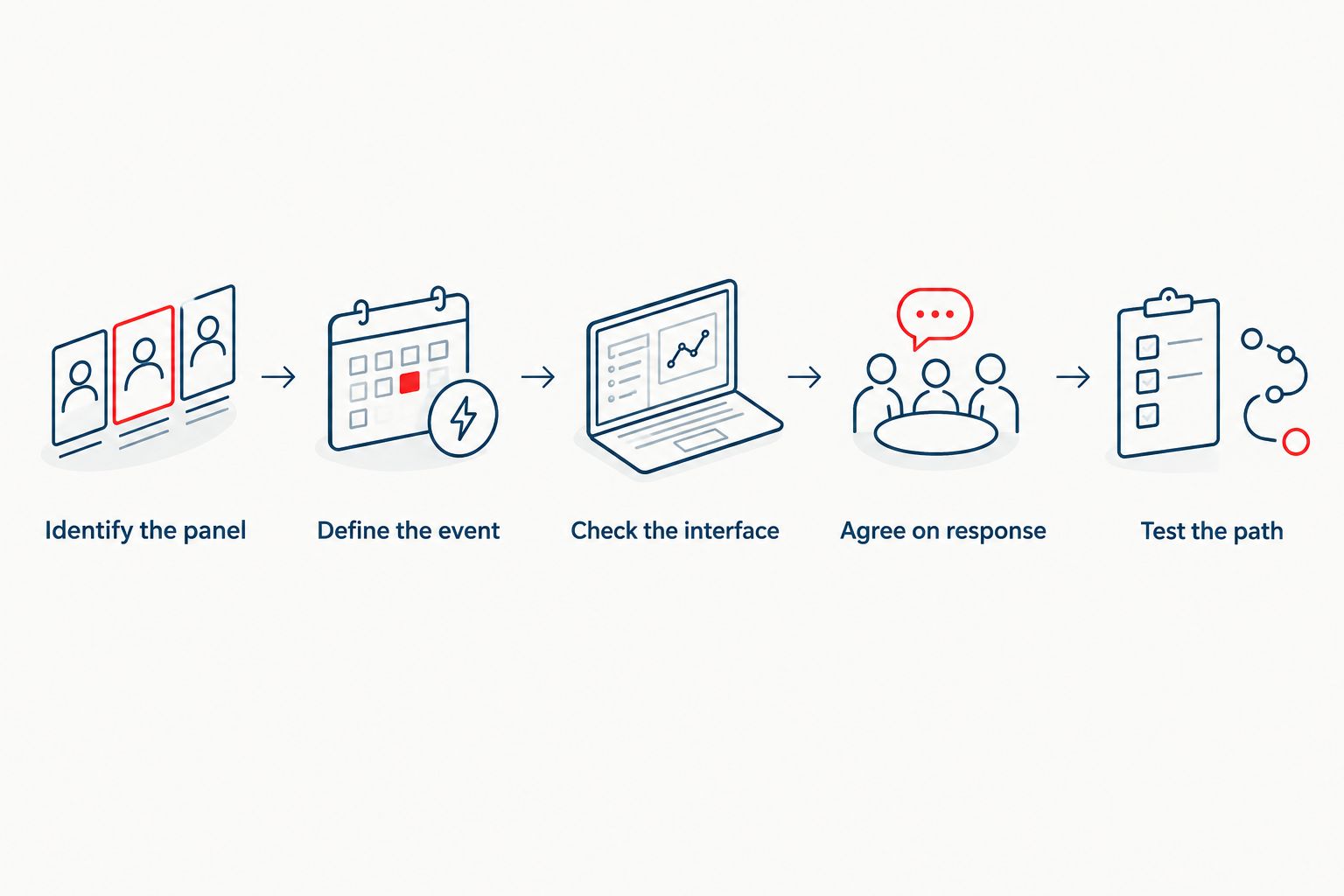
- Identify the panel. Record its make, model, installed configuration and available documentation. An existing fire alarm panel is not automatically equipped with an output suitable for a camera integration.
- Define the event. Decide whether staff need a general alarm notification or a more specific event that points them toward a relevant view. Do not promise a location-specific video response unless the equipment can provide it.
- Check the interface. Confirm that the proposed connection is supported by the fire alarm equipment and the receiving video system. Keep camera equipment off fire alarm circuits unless the approved design specifically calls for the connection.
- Agree on the response. State who sees the video, what they do with it and how they respond if no footage is available. Video is context for a response, not permission to disregard an alarm.
- Test the complete path. Verify the intended alarm event, displayed camera view and normal fire alarm operation. Document the result and follow the approval requirements that apply to the site.
The order matters. Choosing a camera platform before checking the panel can leave you with a video feature the existing fire alarm equipment cannot use.
For a closer look at the connection itself, see how to connect security cameras to fire alarm monitoring. Firstlinefire’s fire alarm and security service scope makes it a relevant point of contact when both systems need to be assessed together.
What changes when the fire alarm panel is already installed?
An existing panel sets the limits. Its available interfaces, configuration and documentation control what can be added without affecting the fire alarm’s required functions. A camera system with event features does not create an output that the panel lacks.
An older panel also needs to be judged on its actual installed configuration, not a brochure for the product family. Ask the service provider to identify the specific event the panel can supply and the equipment proposed to receive it. If the design changes fire alarm equipment or wiring, the work must meet the requirements adopted where the property is located and be reviewed by the authority having jurisdiction where required.
In 2026, write the acceptance test around the outcome: trigger the intended event, confirm the correct video appears or is marked, and verify that fire alarm notification still works as designed. Repeat the check under the relevant fault conditions identified in the approved design. A screen that looks right during a demonstration is not proof that the complete response works.
Why fire alarm and camera integrations vary
- Panel capability. The installed panel determines which events and interfaces are available. Model and configuration both matter.
- Camera platform capability. The video system must be able to receive the chosen event and perform the intended action, such as displaying or marking footage.
- Event detail. A general alarm event supports a different response from an event that identifies a particular area. Confirm the detail the interface passes.
- Site layout. A useful camera view must show the area staff need to assess. A camera elsewhere on the property adds little to an alarm response.
- Response ownership. Someone must know who reviews the footage and what happens when video is unavailable. The fire alarm response must not wait for a camera check.
- Local approval requirements. The approved fire alarm design and the authority having jurisdiction determine which changes need review, documentation and testing.
These factors apply to warehouses, commercial properties and industrial sites alike. The right answer for one building does not establish what another building’s panel can support.
Can cameras send a fire alarm to the panel?
Not as a substitute for an approved fire detection device. Some camera systems can generate their own alerts, but a camera alert does not become a fire alarm signal merely because someone connects the systems. Any proposed input to a fire alarm panel needs an approved design for that specific function.
For most businesses asking about integration, the practical direction is the reverse: an alarm event prompts staff to check a relevant camera view. That keeps the purpose of each system clear. The fire alarm detects and notifies according to its design; video helps people assess the scene.
Can an existing alarm trigger a specific camera view?
Yes, if the panel supplies an identifiable event and the video system can map it to that view. If the panel passes only a general event, the camera system cannot infer a more precise alarm location from it. Ask for a demonstration using the installed equipment and the camera views staff will use.
A useful test also checks what staff see when a camera is offline. The alarm still demands a response, even without video. Put that fallback in the site procedure rather than relying on someone to improvise during an incident.
Does camera integration change fire alarm monitoring?
No. A camera view does not replace the fire alarm’s monitoring or notification arrangement. Integration can add visual information to a workflow, but staff should confirm which system sends the alarm event and which party receives it. Do not assume a monitoring provider can see cameras simply because it receives fire alarm signals.
This distinction matters at sites without on-site staff. If remote video review is part of the plan, confirm that the responsible party has access and knows what to do when video is missing. Firstlinefire serves customers with fire alarm and security needs; the proposed monitoring and camera response still have to be defined for each property.
FAQ
Can security cameras integrate with fire alarm panel equipment already in my building?
Yes, if the installed panel and video system support an approved interface for the intended event. Check the specific models and configuration before planning the connection.
Do security cameras replace fire detectors?
No. Cameras used for visual review do not replace the building’s approved fire detection and notification system.
Will a fire alarm automatically show the right camera?
Only if the available alarm event and video system have been configured to select that view. Test the actual event and camera mapping before relying on it.
Can a monitoring center see my cameras when the fire alarm activates?
Only if camera access and video review are part of the agreed setup. Receiving a fire alarm signal alone does not give a monitoring provider a camera view.
Can I connect a camera directly to a fire alarm circuit?
Do not connect camera equipment directly to a fire alarm circuit without an approved design for the specific panel and function. Have the proposed interface checked before any wiring changes.
What if my existing panel has no suitable interface?
Keep the fire alarm and cameras separate while staff use a documented response procedure to check video. A qualified provider can assess other supported options for the installed equipment.
Who approves changes to an existing fire alarm panel?
Approval follows the requirements adopted for the property and the authority having jurisdiction. Confirm those requirements before changing fire alarm equipment or wiring.
One last thing
The best integration is the one staff can use during an actual alarm. In 2026, ask for a witnessed test that starts at the fire alarm event and ends with the intended camera view and a clear staff response. If the view is wrong or unavailable, the fire alarm procedure must still stand on its own. Firstlinefire is a fit for businesses that need their fire alarm and security arrangements assessed together, not treated as interchangeable systems.