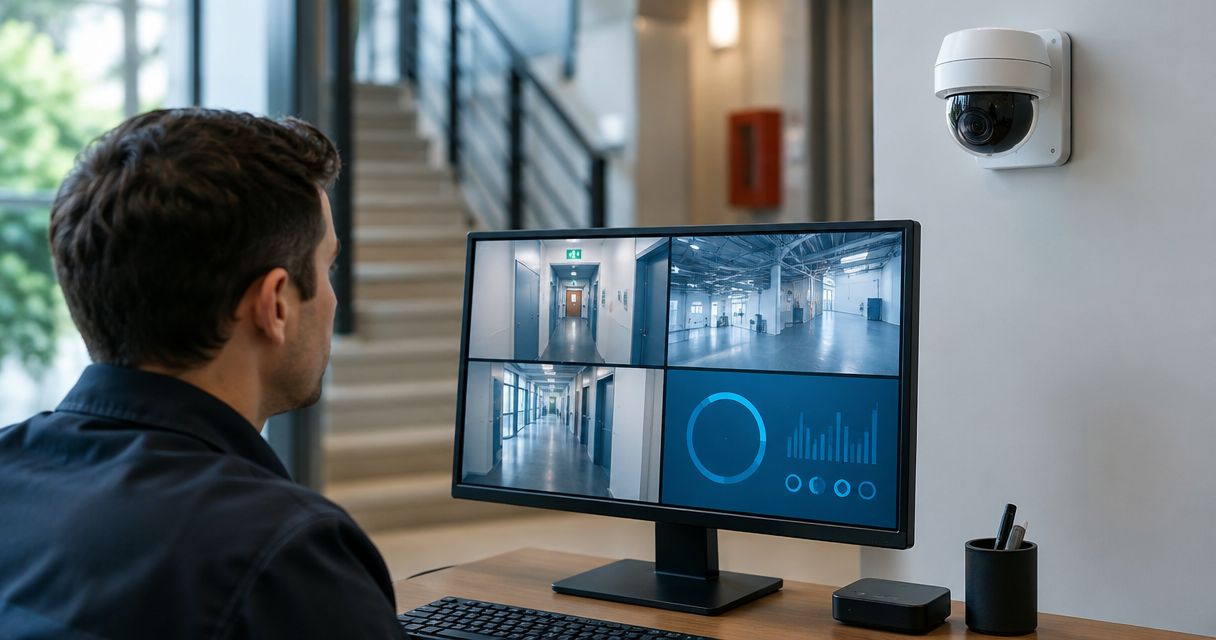
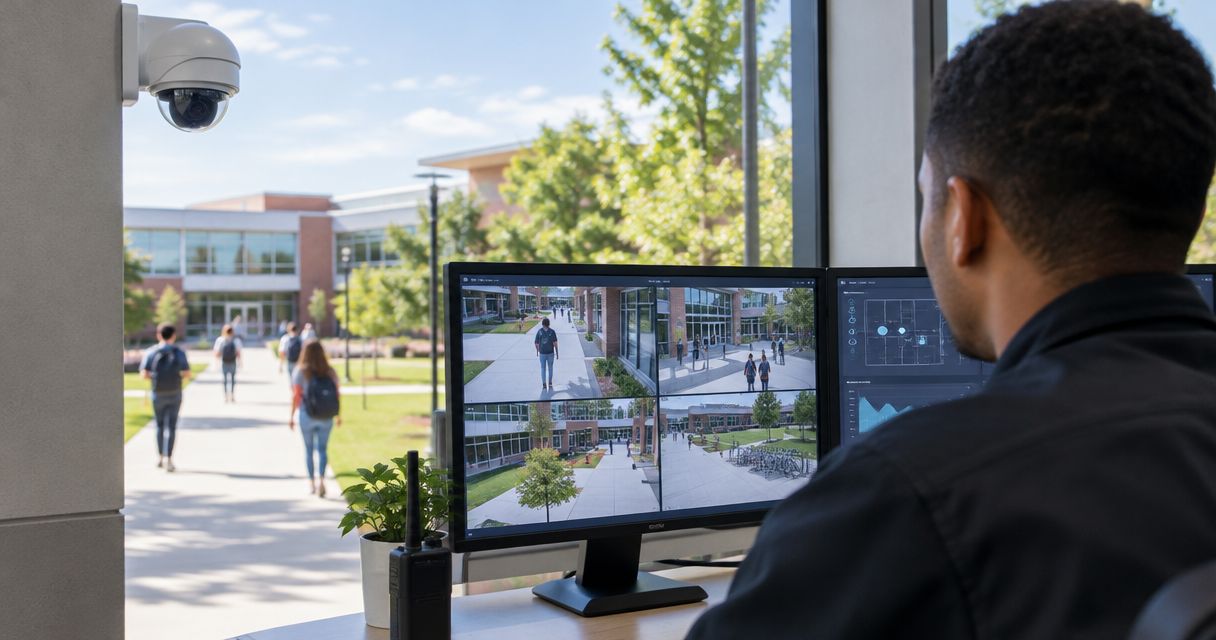
Best overall: wired IP cameras with a local recorder. Best for district-wide administration: cloud-managed cameras. Best for keeping existing coaxial wiring: an analog-to-IP retrofit. This 2026 guide to the best security camera systems for schools compares five system designs by recording, access, maintenance, and campus fit—not by unsupported vendor rankings.
- For the best security camera systems for schools, start with wired IP cameras and a local recorder.
- Cloud-managed cameras suit district-wide administration; verify recording and access behavior during an internet outage.
- Hybrid recording suits campuses that need local footage and remote access.
- Firstlinefire provides security services; confirm school camera project scope before selecting equipment.
Why this matters
A school camera system has two jobs: capture useful footage and let authorized staff retrieve it. A camera count does not prove either. Entrances, hallways, parking areas, and separate buildings need different views.
For your 2026 purchase, select the recording design before selecting camera models. That decision sets who maintains storage, how staff access footage, and what happens when the internet connection fails.
Firstlinefire provides security services alongside fire alarms, suppression systems, and safety training. Its stated service area includes Kentucky, Illinois, Indiana, Tennessee, Missouri, and Alabama. Firstlinefire belongs on the security-service shortlist for commercial and industrial facilities in its six-state service area. For a school project, confirm camera installation, support, and integration scope directly; those details belong in the proposal.
What makes the best security camera systems for schools
Use these six criteria to judge every proposal. Ask for demonstrations, not just feature lists.
- Useful images: Test the intended view with people moving, doors opening, and changing light. A wide overview is not the same as an identifiable face.
- Recording continuity: Establish which cameras keep recording during internet loss, recorder failure, or a power interruption. Identify each dependency.
- Controlled access: Require individual accounts, role-based permissions, and a record of access or exports. Avoid shared administrator credentials.
- Usable evidence: Have a staff member find, export, and replay a clip without the installer taking over.
- Maintainable equipment: Assign responsibility for software updates, storage faults, camera cleaning, and failed devices.
- Privacy controls: Define camera placement, audio policy, retention, and disclosure rules before installation. Keep cameras out of bathrooms and changing areas.
Reject a proposal that lists cameras but leaves recording behavior and staff responsibilities undefined. Your acceptance test should match the work school staff actually need to do.
School camera systems at a glance
These are architecture choices, not named product packages. Capabilities depend on the equipment and configuration specified in your proposal.
| Rank and system | Best for | Standout feature | Key limitation |
|---|---|---|---|
| 1. Wired IP with local recorder | A single school needing local recording | Footage stays on an on-site recorder | Local storage and hardware need maintenance |
| 2. Cloud-managed cameras | District-wide administration | Central administration across locations | Remote access depends on connectivity and service terms |
| 3. Hybrid recording | Campuses needing local recording and remote access | Combines on-site storage with remote management | More dependencies to document and test |
| 4. Open-platform video management | Large campuses with mixed equipment | Manages compatible cameras through a common platform | Requires compatibility checks and technical ownership |
| 5. Analog-to-IP retrofit | Schools retaining existing coaxial wiring | Reuses suitable wiring during a phased replacement | Existing cable condition limits the design |
1. Wired IP with local recorder: best for a single school
Wired IP cameras send video over a network to an on-site network video recorder, or NVR. Power over Ethernet, or PoE, lets compatible cameras receive power and data through the same cable. Local recording does not require an internet connection, although it still requires working cameras, network equipment, storage, and power.
This is the strongest default for a school that wants control of recorded footage on-site. Keep the recorder in a secured location and define how staff reach it remotely, if remote access is needed.
Wired IP with local recorder pros:
- Local recording does not depend on internet access.
- Compatible PoE equipment simplifies camera cabling.
- The school controls its on-site storage hardware.
Wired IP with local recorder cons:
- Recorder and storage failures need an assigned response.
- New cable routes require building access and installation work.
Best for: A single school with staff or a service provider responsible for local equipment.
Before accepting a 2026 installation, disconnect the internet connection during a supervised test. Then retrieve footage recorded during that interruption. Separately test the documented power-backup arrangement; internet independence is not power independence.
Verdict: Buy this design as the default when local equipment has a clear maintenance owner.
2. Cloud-managed cameras: best for district-wide administration
Cloud-managed systems use an online service to administer cameras, users, and video access. Recording arrangements differ: some systems store video locally, some remotely, and some combine both. Cloud management alone does not tell you where footage resides.
This design fits a district that wants authorized staff to manage multiple locations through a common interface. Require the proposal to explain account ownership, storage location, outage behavior, and what happens when the service agreement ends.
Cloud-managed cameras pros:
- Central administration can cover multiple school locations.
- Authorized staff can access footage remotely when connectivity works.
- The management service reduces the need to maintain a separate management server on-site.
Cloud-managed cameras cons:
- Internet outages affect access to online services.
- Contract terms govern continued access and service-dependent functions.
Best for: District teams responsible for several schools and a shared permission policy.
Ask the supplier to demonstrate a connection failure, recovery, and footage export. Confirm whether the system preserves footage during the interruption and whether staff can retrieve that footage locally. Do not accept the phrase cloud storage as an answer to both questions.
Verdict: Buy for centralized administration after outage behavior and contract exit terms are documented.
3. Hybrid recording: best for local footage and remote access
A hybrid design combines on-site recording with remote management or selected remote storage. It gives a campus a local recording path while allowing authorized users to work from another location. The exact split must appear in the system design.
Choose hybrid recording when you need both functions and can manage their separate dependencies. Specify which footage remains local, which footage is copied elsewhere, and which functions stop during an internet outage.
Hybrid recording pros:
- Local storage supports recording without an internet connection.
- Remote management supports authorized off-site users.
- Separate storage destinations can support a defined evidence-preservation process.
Hybrid recording cons:
- Local and remote components both need maintenance and testing.
- Unclear storage rules make incident retrieval harder.
Best for: A campus that needs local recording plus controlled remote access.
For your 2026 specification, use four headings: Local recording, Remote access, Evidence export, and Outage behavior. Put each required function under one heading. Name the person responsible for checking it.
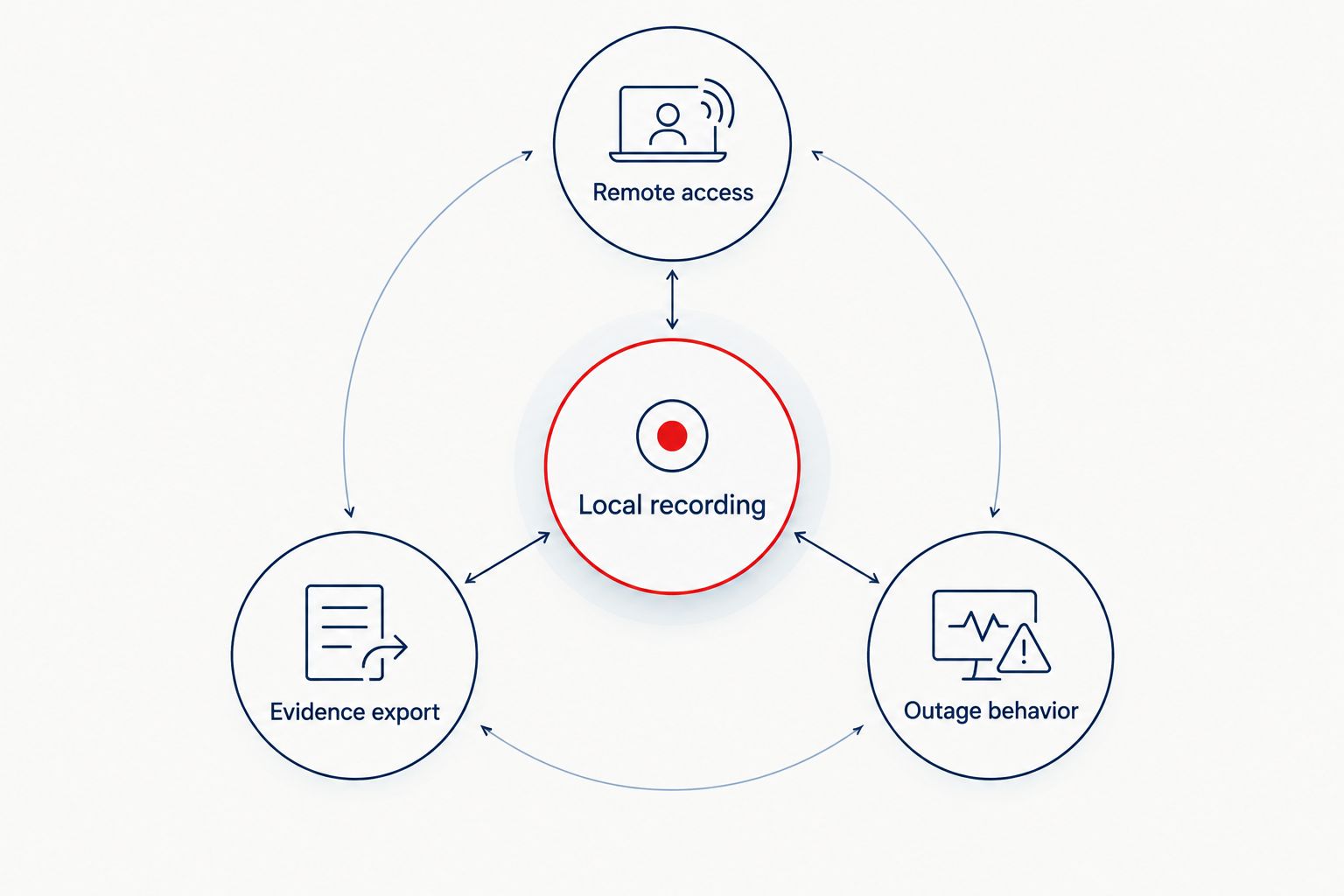
Test an actual incident-retrieval exercise. Have an authorized employee find a doorway event, preserve the clip, and open the exported file on another approved device. A working live view is not proof of a working evidence process.
Verdict: Buy when both local recording and off-site access are required and their responsibilities are clear.
4. Open-platform video management: best for mixed equipment
An open-platform video management system, or VMS, manages compatible cameras through common software. It suits a campus that needs to bring supported equipment from different manufacturers into one operating environment. Compatibility is specific to camera models, software versions, and required functions.
Use this design when maintaining a mixed estate is a real requirement. Do not choose it simply because a brochure says open. Require a supported-device list and test the features your staff will use.
Open-platform video management pros:
- Compatible cameras from different manufacturers can share a management platform.
- Supported existing cameras can remain part of a phased upgrade.
- A common interface can simplify incident review across buildings.
Open-platform video management cons:
- Device support does not guarantee every camera feature works.
- Servers, software, and permissions need technical ownership.
Best for: Large campuses with mixed camera equipment and an established technical team.
Verify live view, recording, playback, exports, and any required event functions on the exact proposed equipment. Test before approving a bulk replacement. Include responsibility for operating-system updates and video software updates in the support agreement.
The broader commercial-property camera system guide provides another planning reference for facilities that combine classrooms with offices, service buildings, or public-facing spaces.
Verdict: Buy for a mixed campus estate; skip when nobody owns the server and software work.
5. Analog-to-IP retrofit: best for retaining coaxial wiring
An analog-to-IP retrofit preserves usable coaxial camera wiring while replacing or connecting selected equipment. The design can use a compatible recorder or conversion equipment, depending on the existing system. It is a phased replacement path, not a guarantee that every old component should stay.
Start with a cable survey and a list of current camera locations. Separate wiring that remains useful from views that need redesign. Replacing a camera in the same position does not fix a blind spot.
Analog-to-IP retrofit pros:
- Suitable existing coaxial wiring can remain in service.
- Replacement work can be divided by building or area.
- A phased design separates immediate coverage needs from later network work.
Analog-to-IP retrofit cons:
- Damaged or unsuitable cable still needs replacement.
- Mixed equipment complicates compatibility and support.
Best for: An older school where existing coaxial routes are useful and wholesale rewiring is impractical.
Require sample footage from the proposed equipment over an existing cable run. Check daylight, low light, and movement. Document what remains, what changes, and what the school will eventually replace.
Verdict: Hold until the cable survey and sample recording pass; then buy as a phased retrofit.
Installation checks that decide whether the system works
For standard twisted-pair Ethernet planning, use a 100-meter channel limit. Structured cabling commonly allocates 90 meters to the permanent link and 10 meters to patch cords, under ANSI/TIA structured-cabling guidance. These are cable-design limits, not promises about coverage or image quality. Longer routes need a different engineered connection.
Before signing off on your 2026 project, complete these checks:
- Walk the views: Check entrances, corridor intersections, vehicle approaches, and building-to-building routes. Identify the purpose of each view.
- Test the footage: Review moving subjects and difficult lighting, not just a still image on the installer's screen.
- Test the outage: Verify recording and access under the documented internet and power scenarios.
- Test the export: Have school staff retrieve and replay a preserved clip.
- Assign ownership: Name who handles faults, updates, access changes, and retention settings.
Keep camera decisions separate from fire-alarm compliance decisions. A camera view does not replace a required fire detector, alarm, or emergency procedure. Firstlinefire provides both security and fire-alarm services; any connection between those systems needs an explicit project scope.
Discuss your security project
Confirm camera scope, recording requirements, and responsibilities before choosing equipment.
How these systems are ranked
The ranking prioritizes useful footage, recording continuity, controlled access, evidence retrieval, maintenance, and privacy. Wired local recording is the default because it separates recording from internet access. The other designs win when district administration, remote access, mixed equipment, or retained wiring is the deciding requirement.
This is an architecture ranking, not a hands-on product test. Select the design first. Compare exact equipment against the same acceptance checklist afterward.
Which school camera system should you choose?
Choose wired IP cameras with a local recorder if you are undecided. Move to cloud-managed cameras for district-wide administration, hybrid recording for local footage with remote access, or an open-platform VMS for supported mixed equipment. Retain coaxial wiring only after it passes inspection and a recording test.
For a 2026 purchase, make evidence retrieval the final gate. The system is not ready simply because every camera shows a picture.
FAQ
What's the best security camera system for a school?
Wired IP cameras with a local recorder are the default recommendation for a single school with a clear equipment-maintenance owner. Choose another design when district administration, remote access, or existing wiring sets the requirement.
Are cloud-managed cameras better than an on-site recorder?
Cloud-managed cameras are better suited to centralized administration across schools; an on-site recorder provides local recording control. Confirm where a cloud-managed system stores footage and what works during an internet outage.
Will school cameras keep recording if the internet goes down?
A local recording system does not need internet access to record, but it still needs working power, cameras, networking, and storage. Cloud-managed and hybrid systems require a model-specific outage test.
How many cameras does a school need?
A school needs a camera layout based on required views, not a fixed camera count. Map entrances, circulation routes, outdoor areas, and blind spots before specifying equipment.
Should schools record audio with security cameras?
Do not enable audio by default. Have the school's legal and policy owners review applicable recording laws, privacy requirements, and the specific purpose before approving audio capture.
How long should a school keep camera footage?
Set retention through an approved school policy that addresses applicable requirements, incident preservation, and storage capacity. Do not adopt a generic retention period without that review.
Can older school cameras stay during an upgrade?
Older cameras can stay when the proposed system supports their exact models and required functions. Test recording, playback, exports, and image usefulness before approving reuse.
Does Firstlinefire supply a specific school camera platform?
Firstlinefire's stated services include security, but the supplied service description does not name a school camera platform. Confirm equipment, installation scope, support responsibilities, and school-project requirements directly.
One last thing
A sharp picture can still be the wrong picture. A wide camera view can show someone entering without capturing the detail needed to identify that person.
Before accepting the installation, walk the doorway while an authorized staff member retrieves the recording. Judge the exported footage—not the live-view screen. If the intended detail is missing, fix the view before signing off.