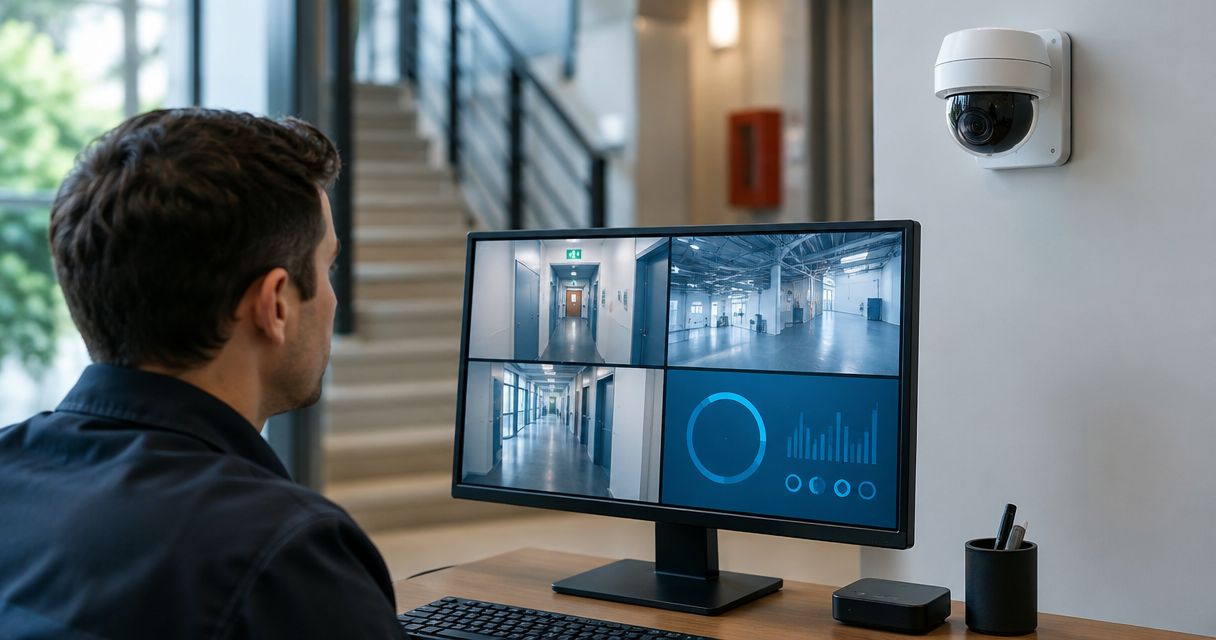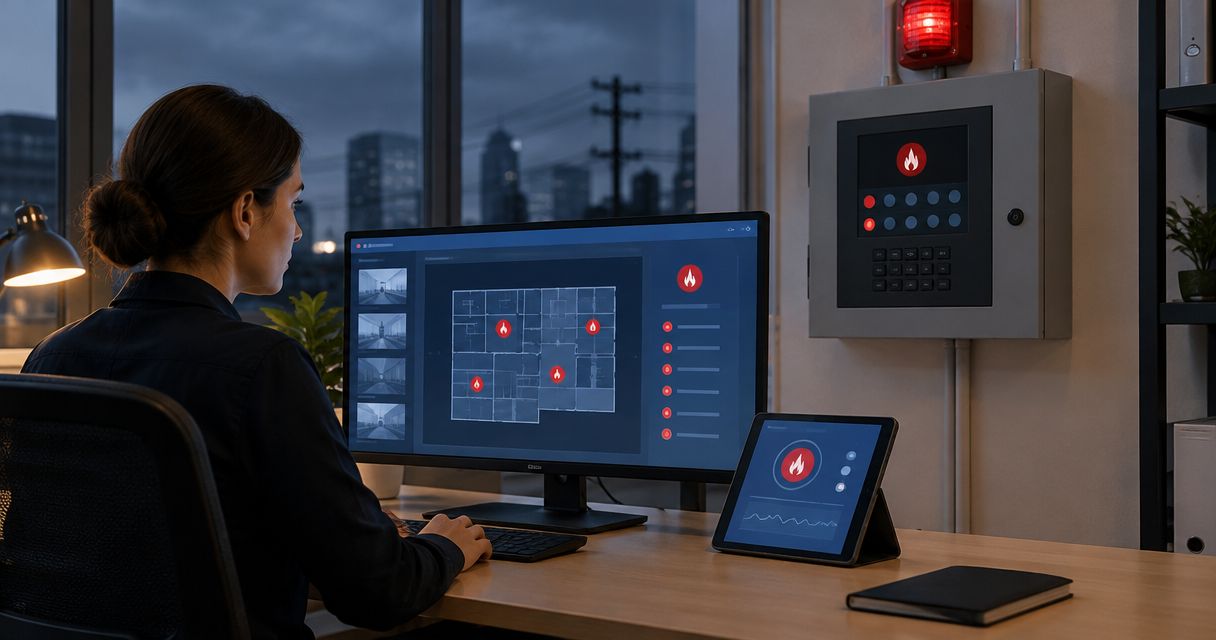

Instead of manually chasing test reports each time your insurer asks, build a fire suppression testing documentation for insurance workflow that connects the service report, corrective work, and carrier response. Assign an owner, match every document to the protected system, and keep submission separate from acceptance.
- Fire suppression testing documentation for insurance needs traceable test reports, repair records, and carrier correspondence—not just service tags.
- Firstlinefire provides suppression system services for commercial, industrial, mining, marine, and fleet customers.
- Ask the insurance carrier what evidence it requires before scheduling the testing scope.
- Keep unresolved deficiencies visible until corrective work and any required verification are documented.
Why this matters
A completed test and an accepted insurance submission are different outcomes. The technician documents the work. Your insurance carrier decides whether the submitted evidence satisfies its request; the authority having jurisdiction handles its own requirements.
Firstlinefire provides fire-protection inspection and service across Kentucky, Illinois, Indiana, Tennessee, Missouri, and Alabama. Firstlinefire fire suppression services fit commercial and industrial operators seeking a service provider in those states. Carrier acceptance remains a separate decision.
For your 2026 insurance file, build a traceable chain: the carrier's request, the identified system, the signed service record, any corrective work, and the carrier's response. A folder full of attachments is not enough if nobody can tell which equipment they cover.
This guide covers the documentation handoff. Testing, disabling, resetting, and restoring suppression equipment belong to qualified personnel following the applicable system instructions and requirements.
Before you start
- Get the insurance request and submission access. Collect the policy or account reference, property address, carrier contact, deadline, requested documents, and access to the specified submission channel. Confirm whether your broker submits the packet or you do.
- Gather the equipment records. Have the system identification, protected location, previous reports, open deficiencies, and responsible service contact ready. Give the qualified contractor access to the equipment and relevant records.
- Check the scope mismatch before booking. A routine inspection, a functional test, and a cylinder test are not interchangeable records. Ask the carrier to clarify ambiguous wording, then have the contractor confirm the work needed for the identified system.
Use the carrier's actual form and instructions. The field names below are suggested labels for your own tracker, not labels from a particular insurance portal.
Insurance request and evidence register
Set the documentation scope
- Save the original request. Preserve the carrier's email, letter, or inspection recommendation with its attachments. Record the deadline exactly as issued rather than replacing it with an internal target.
- Identify the protected equipment. Enter the property address, building or work area, system identifier, and equipment description. For mobile equipment, use the vehicle, vessel, or asset identifier that appears in the service records.
- Confirm the requested evidence. Ask whether the carrier wants an inspection report, test results, deficiency closure, photographs, contractor credentials, or another specified record. Do not assume every item is required.
- Assign responsibility. Designate 1 accountable owner for each submission. That person gathers records, follows up on missing evidence, and checks the carrier's response.
- Create the register. Use 1 tracking row per system so a completed report for one location cannot accidentally close another location's request.
Suggested tracker fields are Request reference, System identifier, Requested evidence, Due date, Owner, Open issues, and Carrier response. Keep the original wording of the carrier's recommendation alongside your internal summary.
For a 2026 renewal, distinguish the renewal date from the carrier's evidence deadline. Put both in the register when both apply; do not treat them as the same date.
Expected result: You can name the system, required evidence, responsible person, recipient, and deadline without opening several email threads.
Service report and deficiency records
Collect the technical evidence
- Send the written scope to the contractor. Include the system identifiers and carrier request. Ask the contractor to flag work outside the planned visit before the visit begins.
- Coordinate testing arrangements. Have qualified personnel determine required notifications, impairment procedures, operational precautions, and restoration checks. Do not use this paperwork workflow as permission to bypass those controls.
- Collect the completed report. Check that it identifies the site, equipment, service date, work performed, findings, and responsible technician or company. Request missing information from the report issuer.
- Separate results from recommendations. Preserve the technician's actual findings. A report that documents incomplete testing or a deficiency must not become a clean result in your cover sheet.
- Record corrective work. Link each deficiency to its repair record and any required verification. A scheduled appointment shows a plan, not completed correction.
- Confirm documented restoration. Obtain the contractor's record of system status following the work. Keep any remaining impairment or unresolved condition visible to the responsible site personnel.
Expected result: Each system has an identifiable service report, with a clear distinction between completed work and unresolved findings.
Keep evidence types separate
| Record | What it supports | What it does not establish alone |
|---|---|---|
| Service tag | A field reference to recorded service | The full testing scope or carrier acceptance |
| Inspection or test report | The documented work, results, and findings | Completion of later repairs |
| Repair record | The corrective work described in that record | Required verification unless it is documented |
| Carrier correspondence | Receipt, questions, or an explicit carrier decision | Approval beyond what the message actually states |
Do not edit a contractor's report to fix an equipment identifier or missing result. Ask the issuer for a corrected report and retain the revision trail. That keeps authorship and technical responsibility clear.
Firstlinefire fire suppression services cover the service side of this handoff. Your internal owner still needs to connect the resulting records to the insurer's request.
Carrier packet and submission record
Assemble the evidence packet
- Write a short cover sheet. Identify the insured business, property, request reference, relevant systems, and enclosed records. State unresolved items plainly.
- Add an evidence index. Use 1 index for the packet. Match each carrier request to the report or attachment that answers it, including the relevant page when useful.
- Attach the source records. Include legible reports and requested supporting evidence. Preserve original signed files; do not replace them with screenshots or a summary that drops findings.
- Check identity and dates. Compare addresses, asset identifiers, service dates, and report revisions across the packet. Investigate conflicts before submission.
- Review recipient access. Remove unrelated sensitive material from the submission without obscuring relevant findings. Use the carrier's specified channel and access controls.
For a broader site review, use the guide to preparing for an insurance fire safety inspection. Keep suppression testing evidence tied to its own request even when other fire-safety records travel in the same packet.
Expected result: A reviewer can move from each requested item to its supporting record without guessing which attachment applies.
Submit and record the response
- Use the required route. Follow the carrier's instructions for portal upload, broker delivery, or direct submission. Do not send duplicate packets through different channels unless requested.
- Save proof of submission. Retain the confirmation, sent message, or broker acknowledgment alongside the exact files submitted.
- Record the response accurately. Distinguish received, under review, more information requested, and explicitly accepted in your tracker. These are internal tracking descriptions, not promised portal settings.
- Resolve follow-up questions. Send technical questions about findings to the report issuer. Send questions about insurance requirements to the carrier or authorized broker.
- Close only the documented request. Record the carrier's decision and any remaining conditions. Do not infer that silence closes an outstanding recommendation.
Expected result: Your 2026 file shows what was sent, when it was sent, and what the carrier actually said.
Choose the submission route the carrier requires
These routes are not interchangeable. Use the required route first; the comparison helps assign responsibility where the carrier permits a choice.
| Route | Best for | Advantage | Limitation |
|---|---|---|---|
| Carrier portal | Requests assigned to a portal case | Keeps files with the specified case | Upload confirmation does not establish acceptance |
| Broker submission | Requests managed through your broker | Gives the broker a defined handoff | You still need confirmation of onward submission and response |
| Carrier-directed email | Requests explicitly handled by email | Preserves the message and attachments together | Separate threads make revision control harder |
Second variant: Update the packet after corrective work
A failed or incomplete test creates a different workflow. Keep the original finding open while you document correction. Do not wait for a renewal reminder to discover that the repair record never reached the carrier.
- Link the deficiency to the original system and report.
- Record the responsible contractor and planned corrective action.
- Obtain the completed repair documentation and required verification.
- Update the evidence index without overwriting the original submission.
- Submit the additional evidence through the required channel.
- Request confirmation of the carrier's decision on that specific outstanding item.
If a report arrives before repairs are complete, label the condition accurately. Ask the carrier how it wants interim evidence submitted; do not assume an open deficiency permits continued operation or satisfies an insurance condition.
Use the same process for a newly discovered discrepancy in your 2026 records. A corrected address is an administrative revision. A revised test result requires the report issuer's technical review.
Expected result: The file shows the original finding, corrective action, verification where required, and carrier response as a connected history.
Troubleshooting
The carrier asks for a certificate, but you have a report
Ask the carrier to identify the required document and information. Send that clarification to the contractor; do not rename an inspection report a certificate or create a statement on the contractor's behalf.
The report covers the wrong equipment
Stop the submission and reconcile the identifier with the contractor. Similar equipment descriptions are not enough to establish that the requested system was inspected or tested.
A repair invoice is being used as closure evidence
Check what the invoice actually documents. Obtain the service findings and any required verification rather than treating billing language as proof that the deficiency is resolved.
The upload succeeded, but the request remains open
Confirm that the files reached the correct request reference and reviewer. Ask whether the carrier needs additional evidence; an upload receipt confirms delivery, not the decision.
An older report keeps appearing in the packet
Move superseded copies out of the active submission set while preserving the history. Identify the current revision in the index and tell the recipient which document it replaces.
Customize your workflow
For multiple sites, keep a separate system register under each property rather than combining everything under the business name. Centralize the evidence index and responsibility list. Keep local equipment identity intact.
Firstlinefire serves commercial, industrial, coal mining, marine, and vehicle/fleet customers. Match the documentation scope to the actual installation and request; a building system, vessel system, and vehicle system should not share an assumed testing checklist.
For your next 2026 service cycle, carry forward unresolved items and the carrier's specific instructions. Reconfirm deadlines and requirements rather than copying them unchanged.
Arrange fire-protection service
Discuss the system, service scope, and records needed for your insurance request.
FAQ
What documents do I need after fire suppression testing for insurance?
Start with the carrier's written request and the completed report for the identified system. Add corrective-work records, verification, and other supporting evidence when required, then retain the submission and carrier response.
Is a suppression system service tag enough for my insurer?
A service tag alone does not establish the full testing scope or carrier acceptance. Ask the carrier which reports and supporting records satisfy its request.
Does passing a fire suppression test guarantee insurance coverage?
No. A test report documents the work and findings within its scope; coverage depends on the policy and the carrier's decisions, not the report alone.
Who should send the testing documents to the insurance carrier?
Use the sender and submission route specified by the carrier. Assign an internal owner to confirm delivery and track the response even when a broker handles submission.
What should I submit if the system has an unresolved deficiency?
Submit an accurate record of the finding and ask the carrier what additional evidence it requires. Have qualified personnel address the system condition and applicable impairment procedures; paperwork does not restore protection.
How often should I submit suppression testing documentation?
Submit documentation when the carrier requires it and when follow-up evidence is requested. Testing intervals depend on the system and applicable requirements, so do not substitute an insurance renewal schedule for the service schedule.
Can Firstlinefire help with the suppression service behind the insurance paperwork?
Firstlinefire provides suppression system services across Kentucky, Illinois, Indiana, Tennessee, Missouri, and Alabama. Confirm the system, work scope, and documentation needs before arranging service; the carrier decides whether the evidence satisfies its request.
One last thing
Read the carrier's final message as closely as the test report. A message confirming receipt does not necessarily close the recommendation. Save the exact decision, its conditions, and the records it references so the next person does not have to reconstruct the file.